


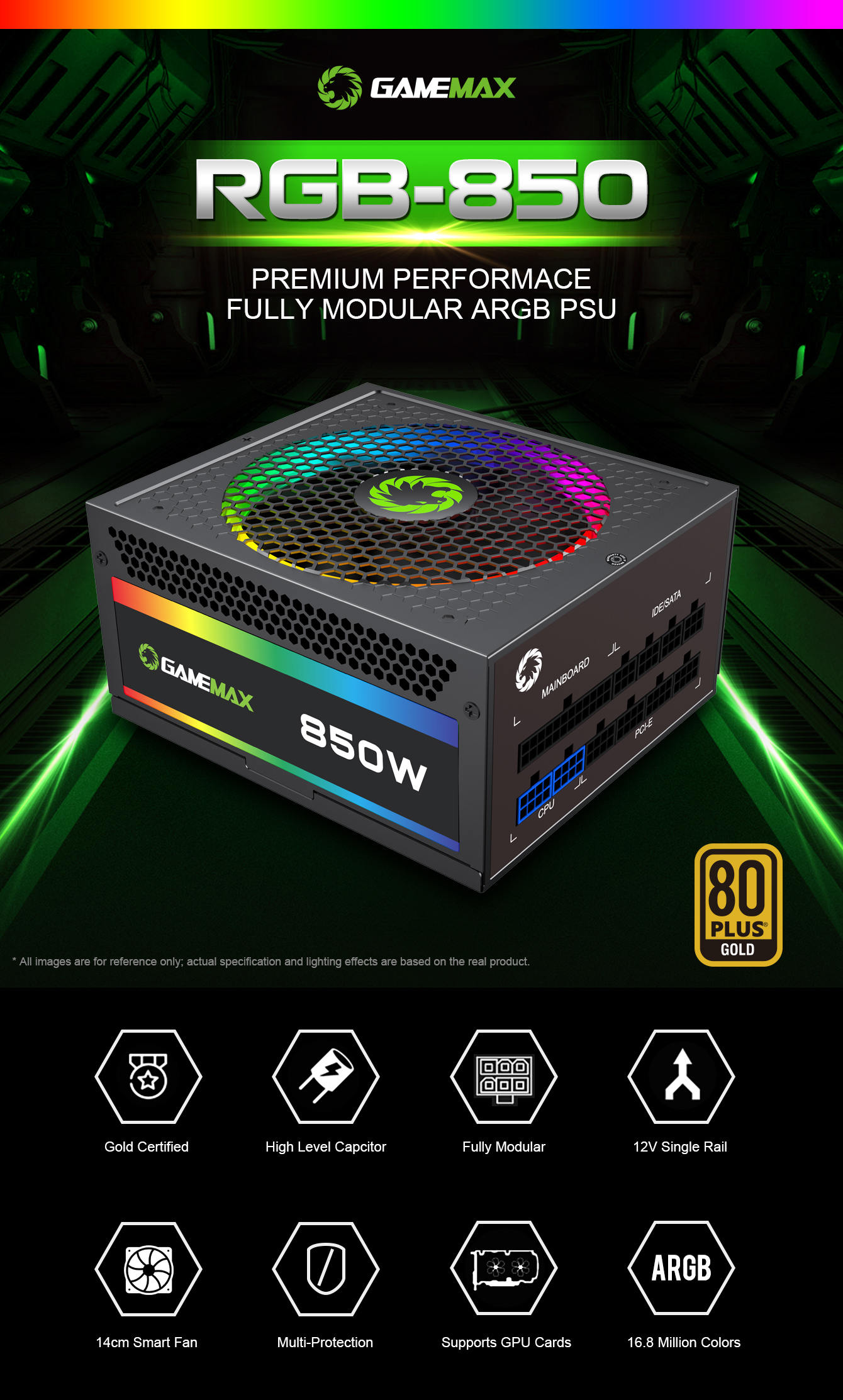
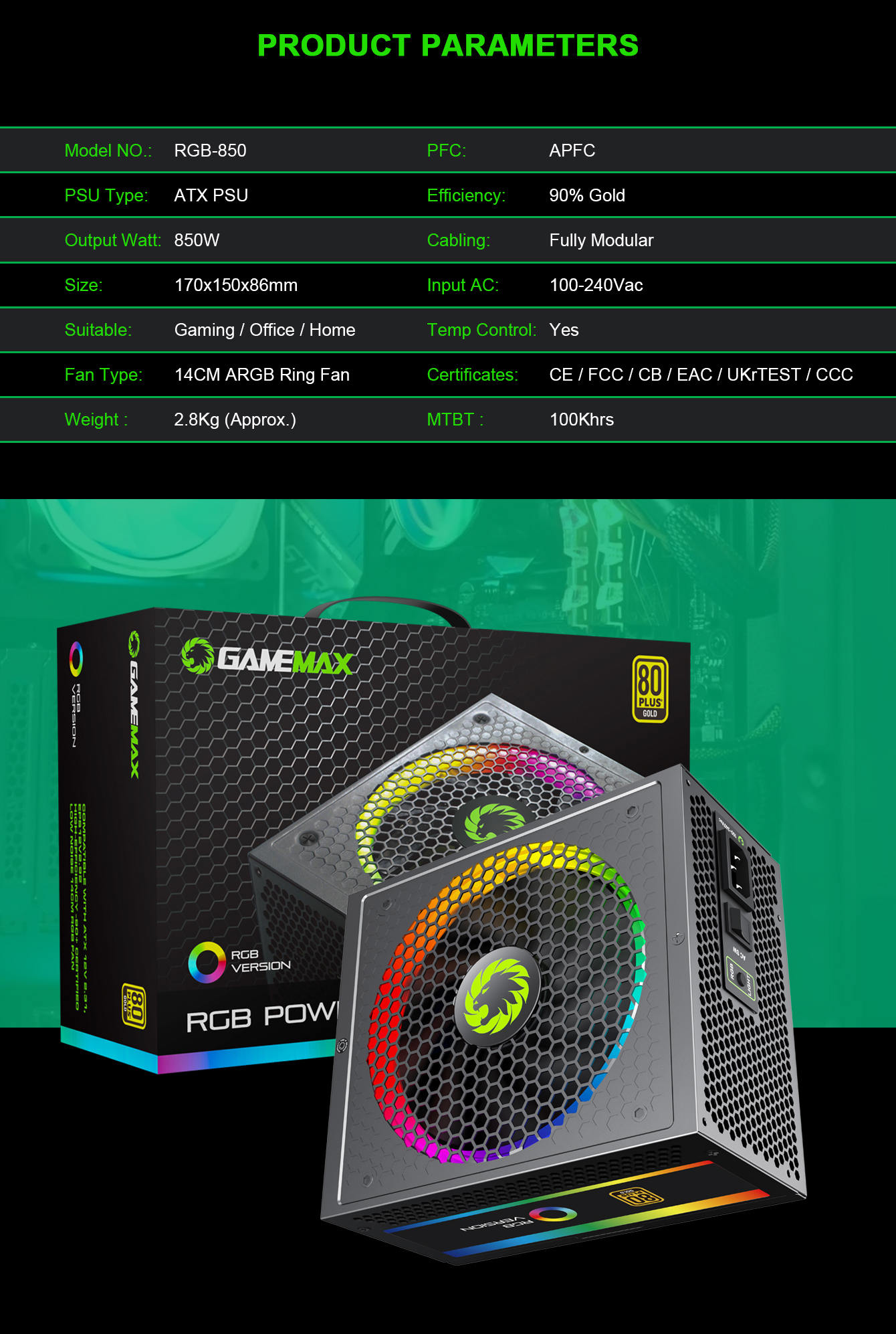
Power Supply 850W Fully Modular 80+ Gold Certified with RGB Light Mode , GAMEMAX RGB850 Rainbow
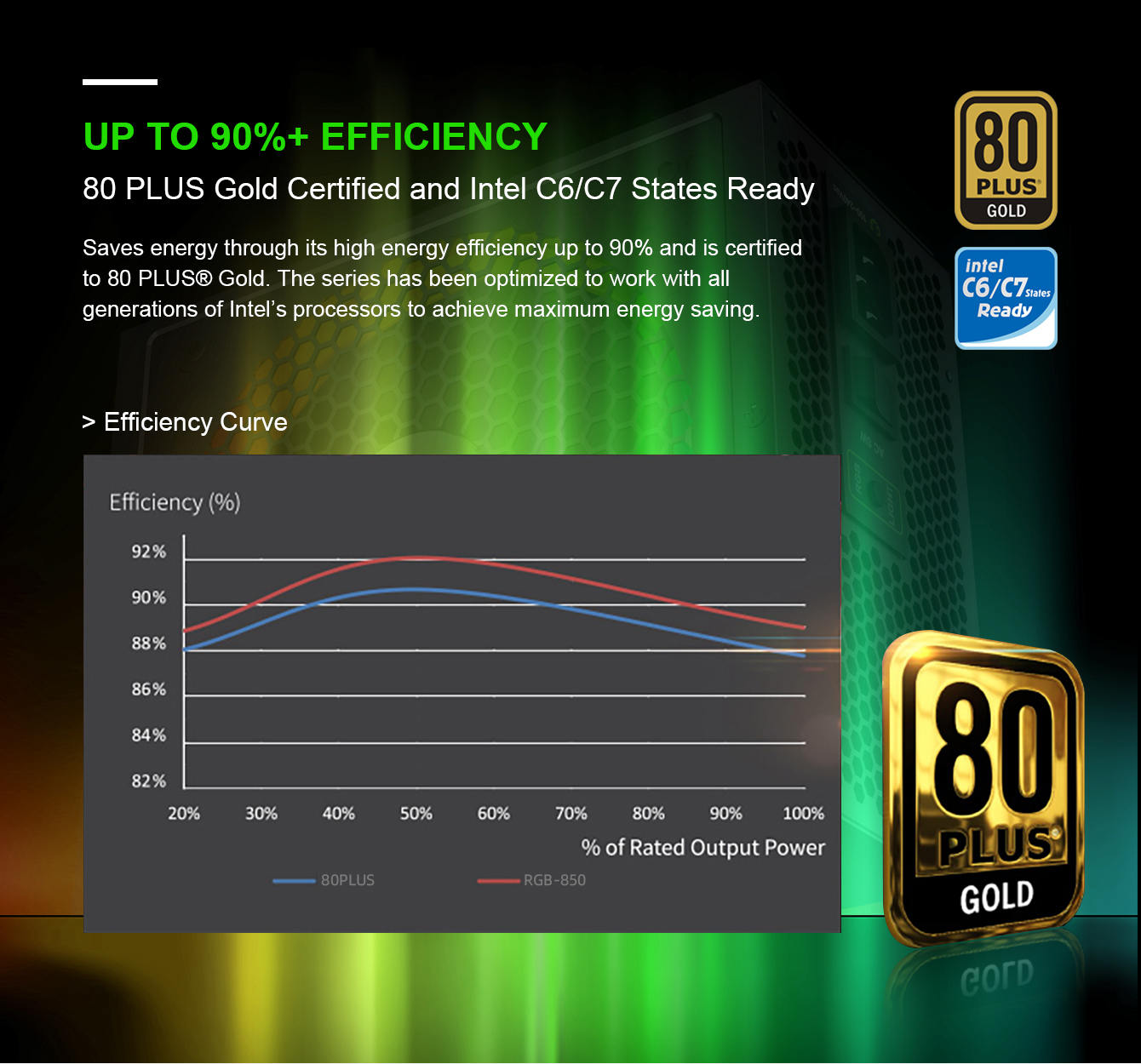
• 80 Plus Gold Certified: 80 Plus Gold certified with 90% efficiency or higher under typical loads
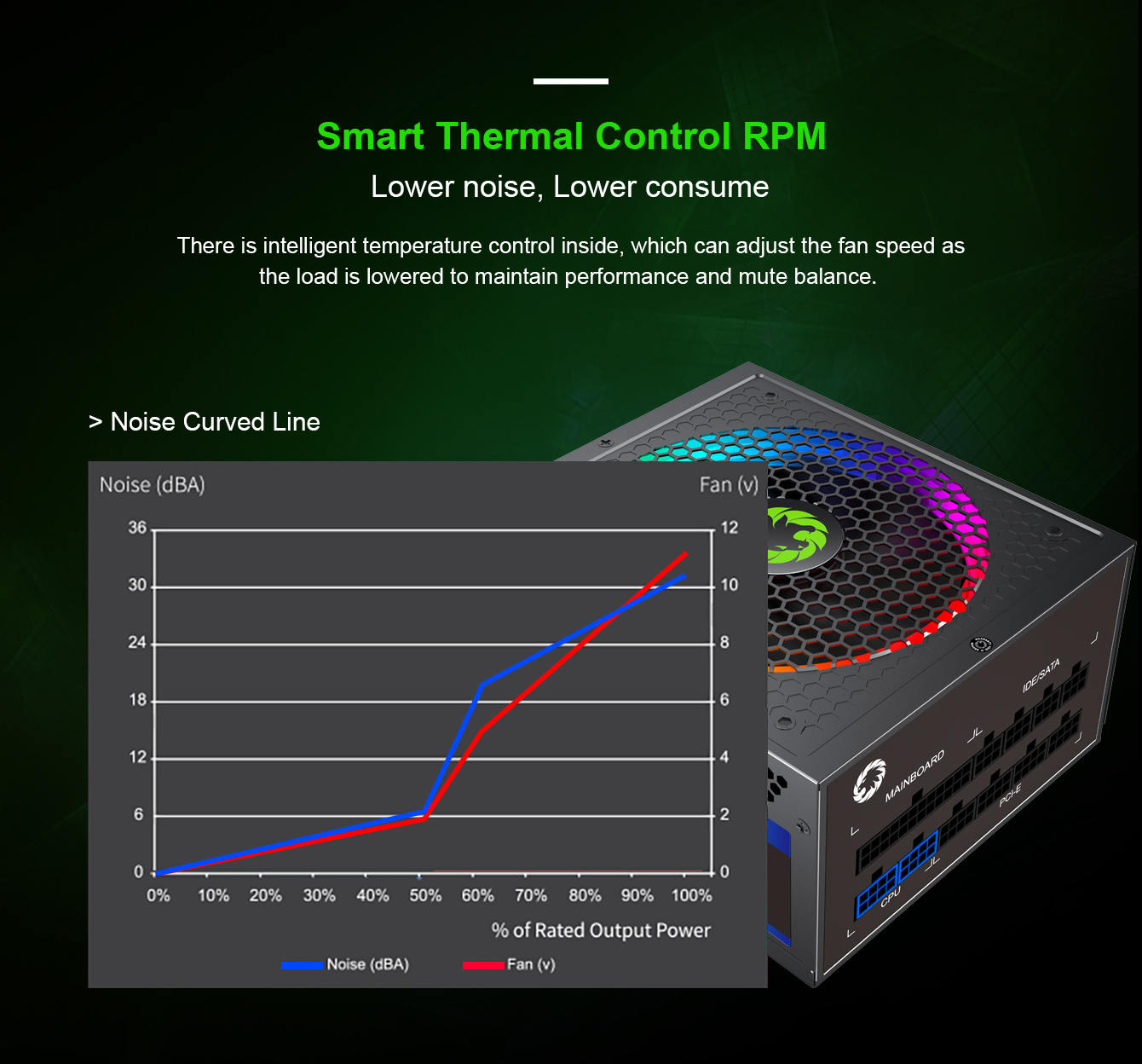
• Lower power consumption, less noise, and cooler temperatures.
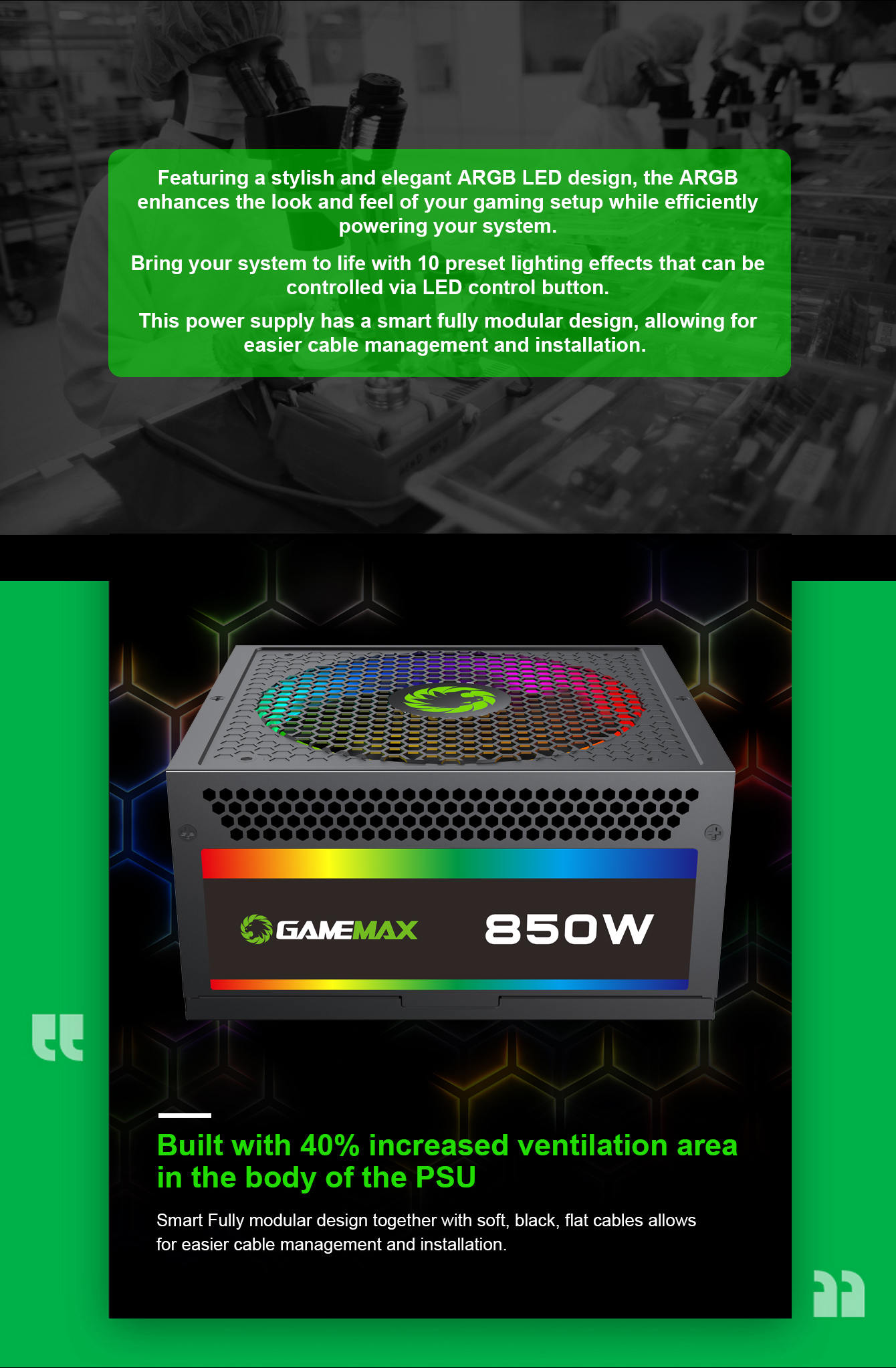
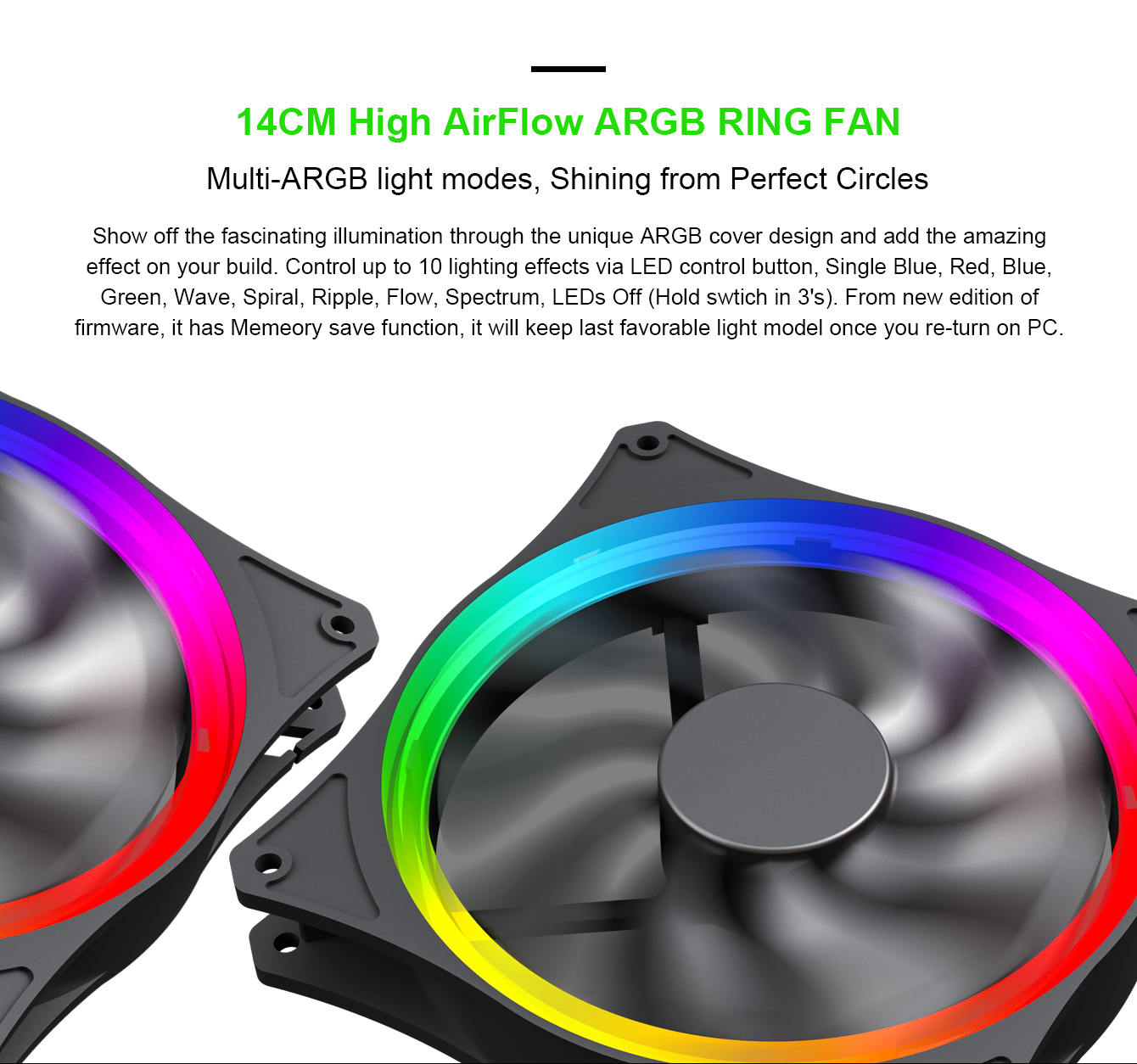
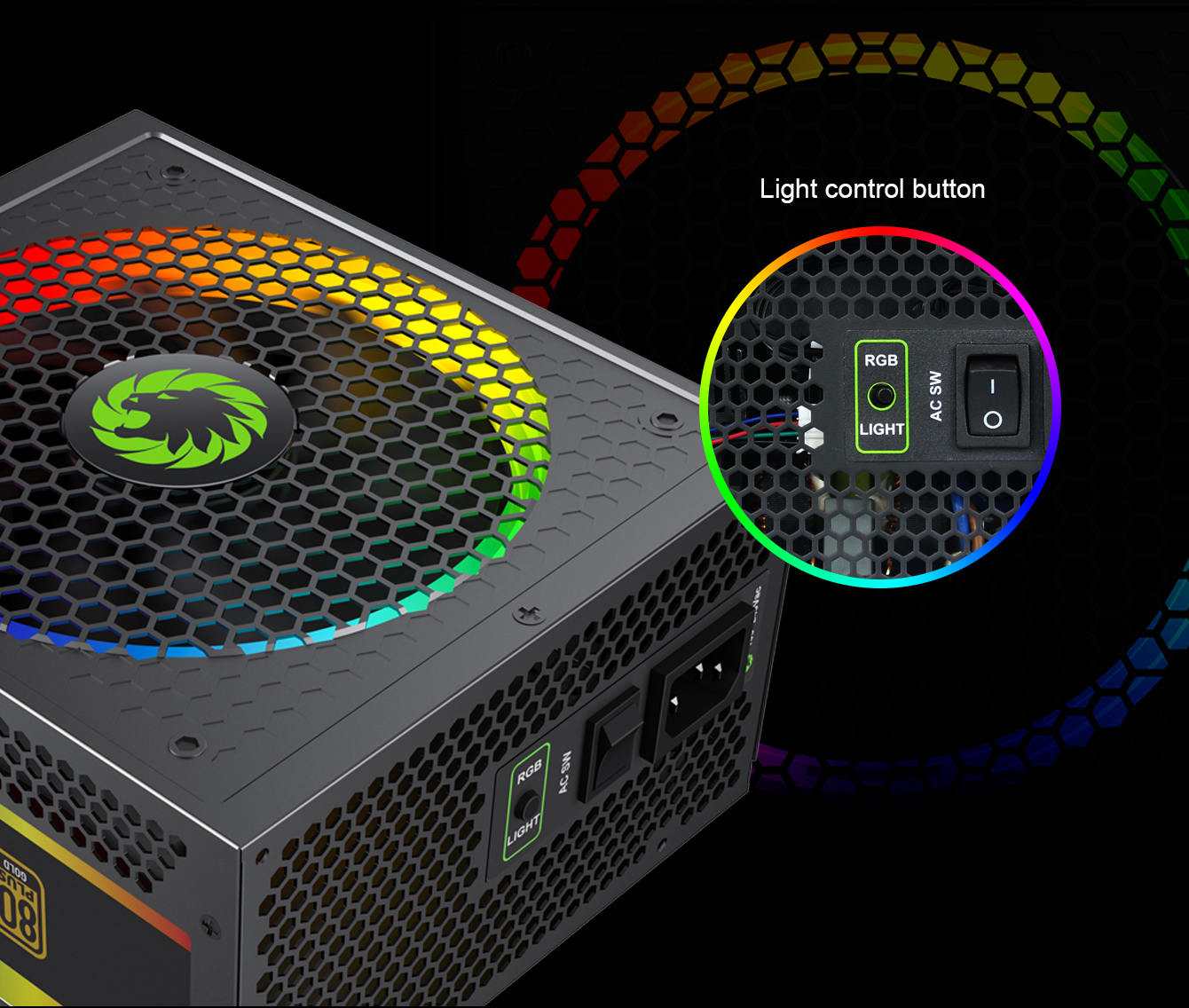
• RGB Light Mode: 25 smart RGB lighting modes with memory function, press RGB controller switch to choose the color mode you like£o single color mode, breathing lights mode, color mix mode.
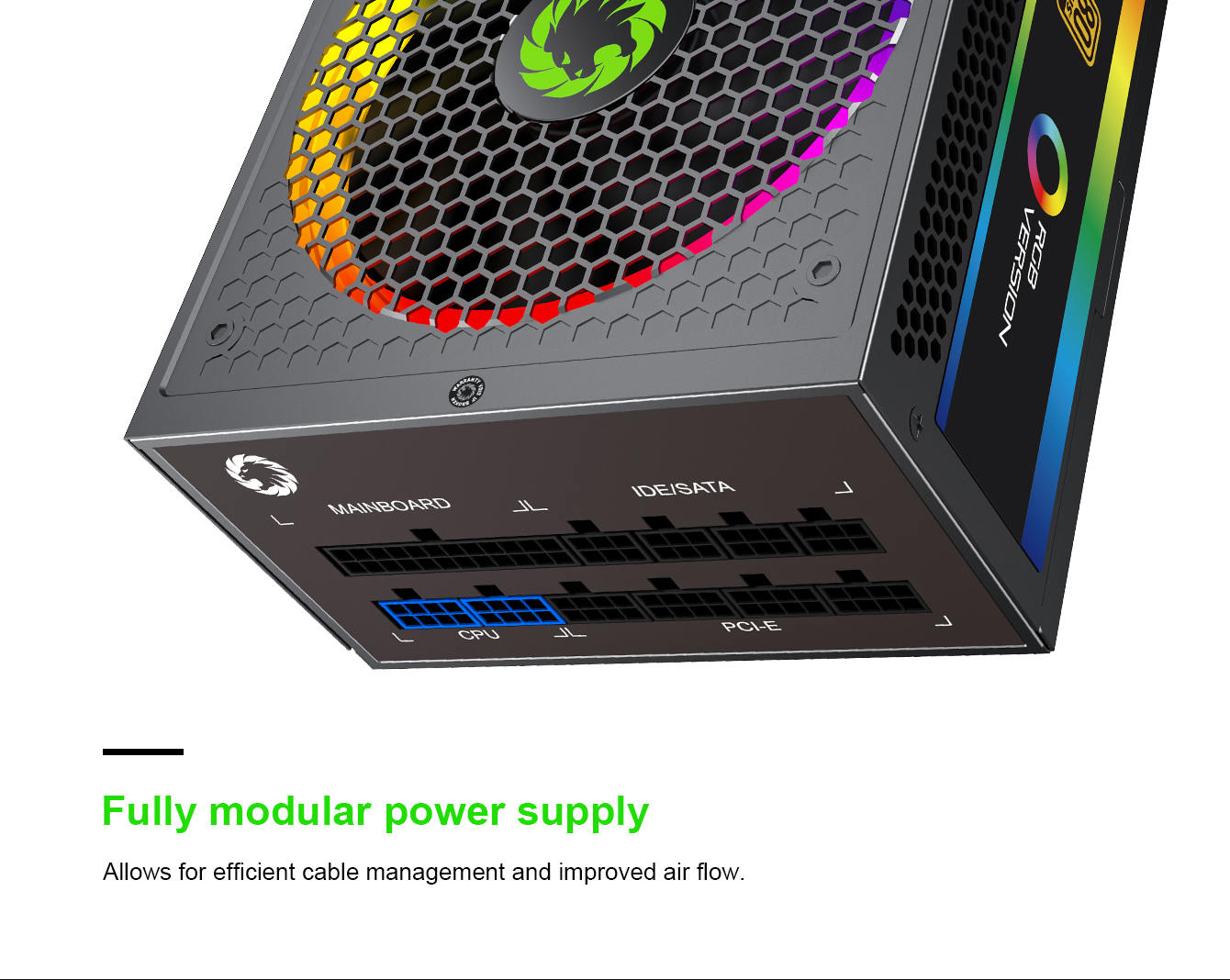
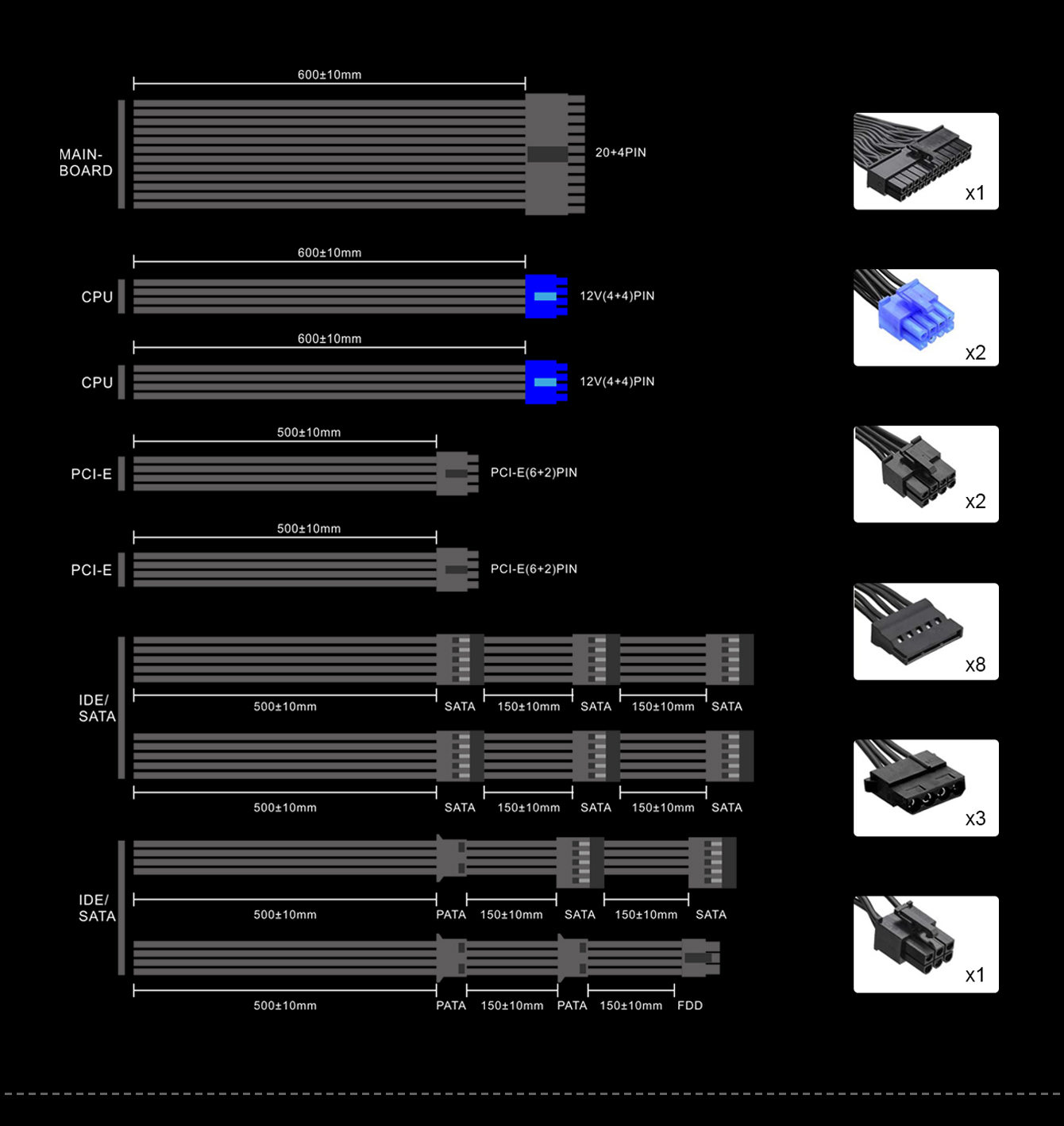
• Full Modular: Modular cables not only reduce the confusion of cables' management, but also increase airflow to improve overall efficiency and heat dissipation performance
• The matched 140mm fan allows your power supply to maintain good heat dissipation while still maintaining be quiet.
• Ultra-quiet fan: The 140mm ultraquiet fan keeps your power supply quiet while maintaining good heat dissipation.
• Highest Protection Warranty: Warranty gurantted from the date of purchase
• Powerful single +12V rails offer stable DC output and support high-end graphic card and PC system
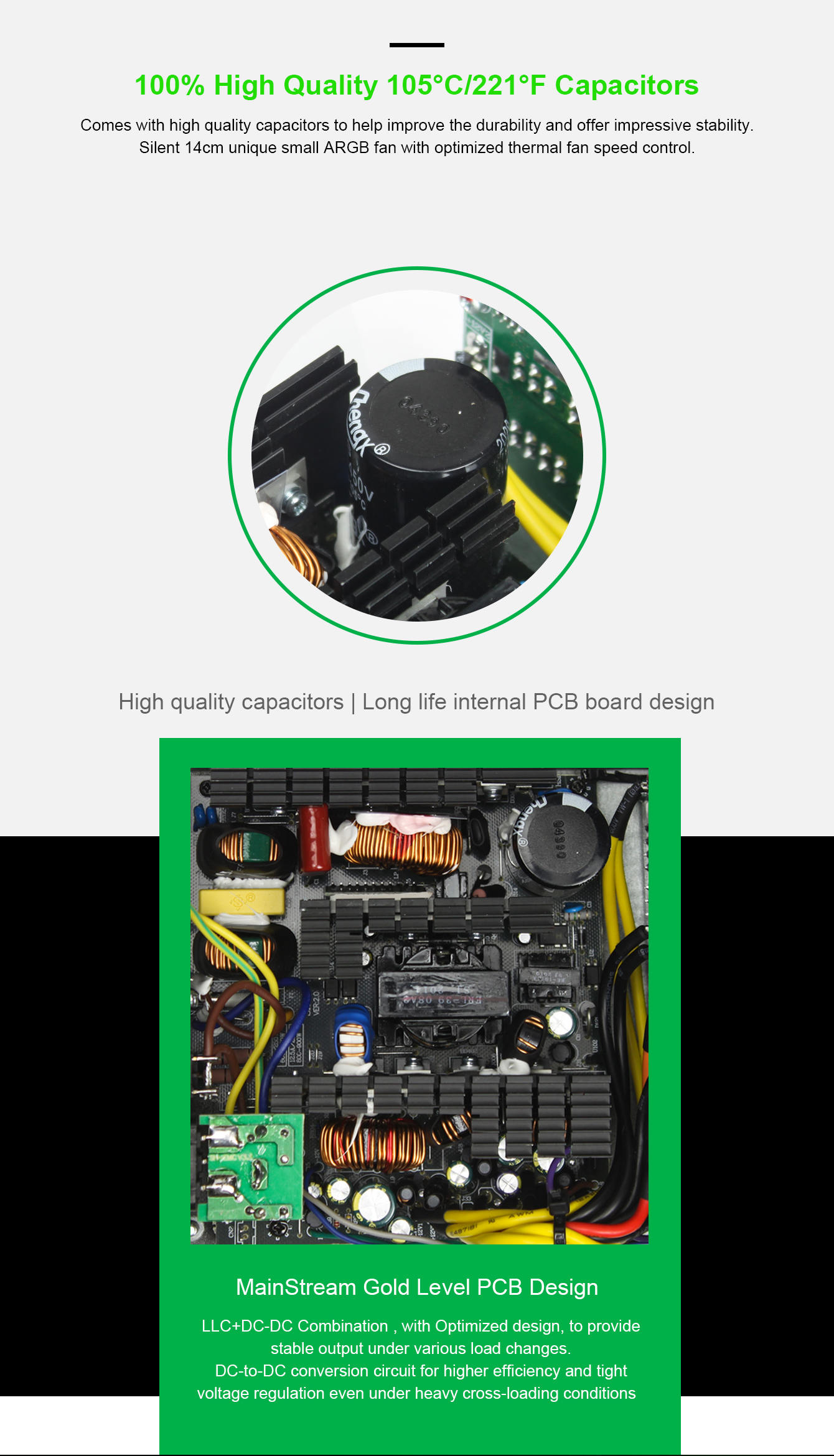
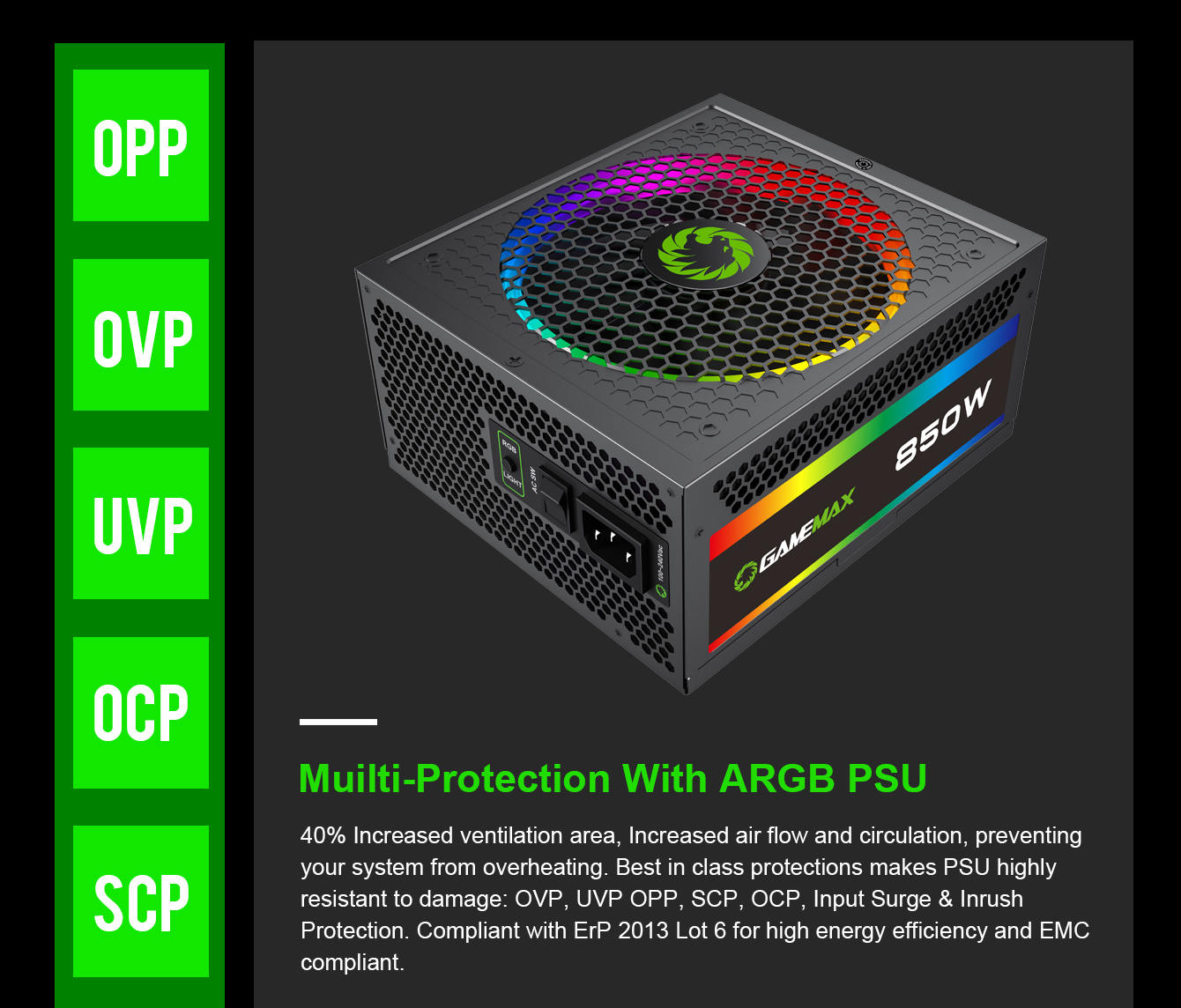
• Excellent capacitors offer the stability, durability, and reliability, OPP/OVP/UVP/SCP/OCP/SIP electrical protection included.
| 80PLUS | Cetificate | GOLD |
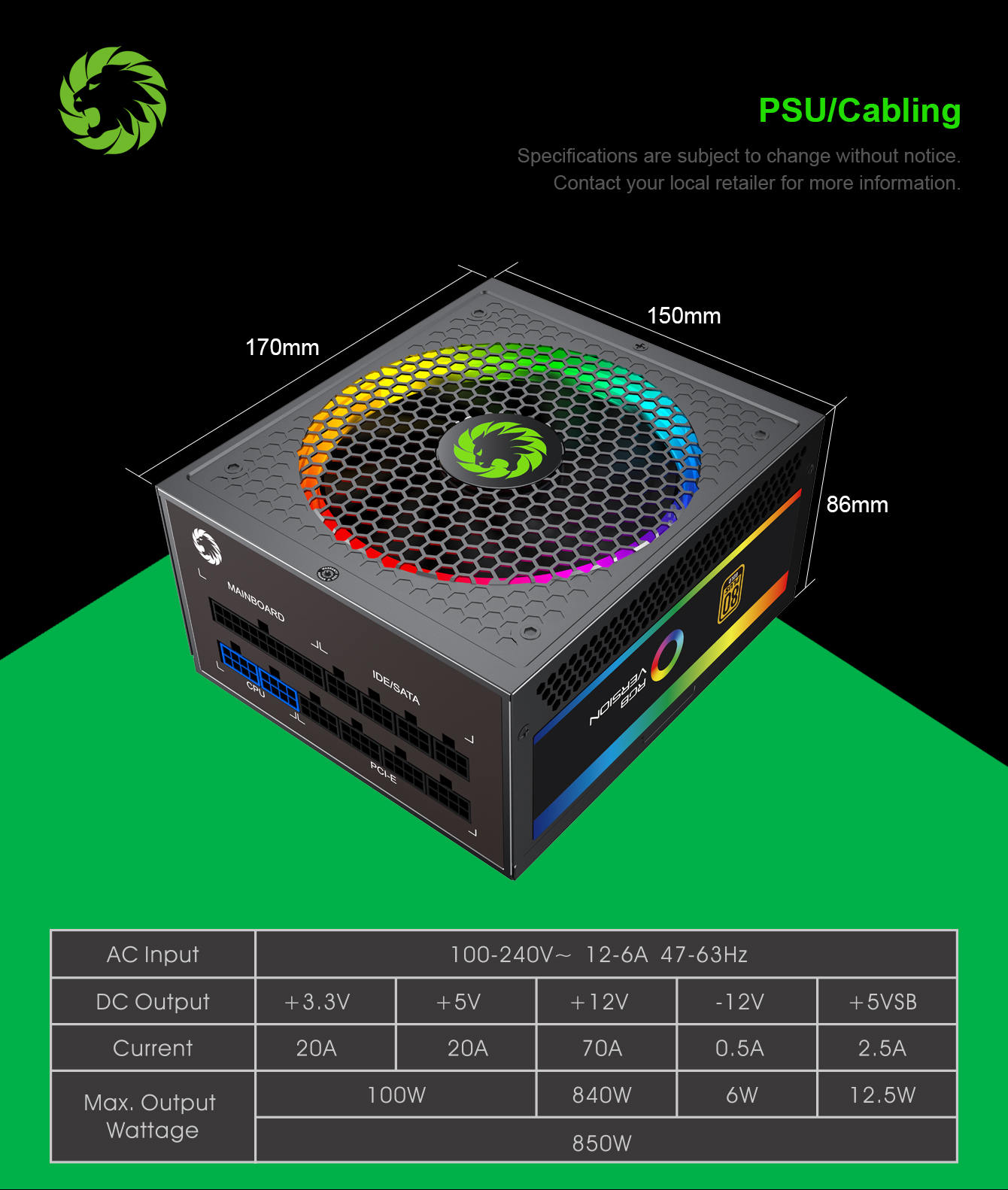
| Form Factor | Power Supply | Intel ATX 12 V 2.53 |
| Dimensions | 165 mm (L) x 150 mm (W) x 86 mm (H) | |
| Fan Information | Fan Size | 140mm with ARGB LEDs |
| Fan Control | Temperature control | |
| Fan Bearing | Fluid Dynamic Bearing | |
| Life Expectancy | 50,000 hours | |
| Cable Information | Modularity | Fully Modular |
| Cable type | Embossed cables | |
| Electrical Features | Operating Temperature | 0-50 °C (derating from 100 % to 80 % from 40 °C to 50 °C) |
| MTBF | 100,000 Hours (@ 25 °C, Excl. fan) | |
| AC Input | 100-240V | |
| Protection | OPP, OVP, UVP, OCP, OTP, SCP,OLP | |
| Safety Ceritificate | Safety and EMC | cTUVus, TUV, CB, CCC, EAC, CE |
| Environmental | Compliance | RoHS |
RGB Modes Operation Instructions:
| Key Function | RGB LED Status |
| Turn On, Entry last Mode | Keep the Save memory mode |
| Press RGB Switch | Select RGB light mode |
| Press and Hold in 3sec | OFF the RGB LED light |
| Press the Switch again | White light flashes once and Entry in o the last mode |
| Press Longer Don't release | Entry Self-Test mode(All led White Light |
| Release after Press longer | Exit Self-Test mode, Entry Last memory mode |
| ARGB SYNC | Access external ARGB HUB or 5V 3pin signal from motherboard |


