

In PC hardware, the CPU (Central Processing Unit) and GPU (Graphics Processing Unit) are core performance drivers—but "better" depends on your tasks, budget, and upgrade plans. Below is a streamlined breakdown of their strengths, differences, and how to choose.
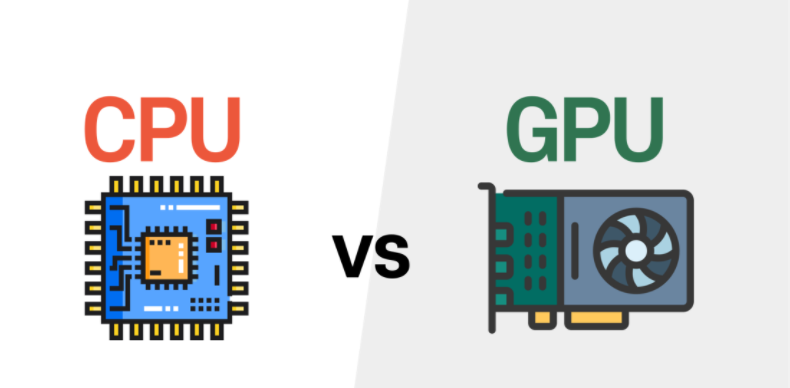
Aspect | CPU (The "Brain") | GPU (The "Parallel Powerhouse") |
Architecture | Few complex cores (2–64, high-end); large caches for fast data access. | Thousands of simple cores; optimized for parallel tasks. |
Key Strength | Handles sequential, complex instructions; manages overall system operations. | Excels at repetitive, parallel tasks (e.g., processing thousands of pixels). |
Critical Metrics | Clock speed (GHz, for single-task speed); number of cores (for multitasking). | Core count (CUDA/stream processors); memory bandwidth (GB/s, for fast data transfer). |
CPUs shine at sequential, multi-purpose tasks:
Everyday computing: Web browsing, office work (Word/Excel), video streaming.
Productivity: Running enterprise software, database management, data analysis, virtual machines.
Creative work: Audio editing (requires precise, step-by-step processing).
GPUs dominate parallel, graphics/compute-heavy tasks:
Gaming: Renders high-fidelity textures, lighting, and maintains smooth frame rates (critical for 4K/ray tracing).
Professional creativity: 3D modeling (real-time previews), video rendering (cuts time by processing frames in parallel).
Advanced computing: Scientific simulations (e.g., molecular dynamics), AI/ML (training deep neural networks).
General tasks: CPU is better (handles system management and single-threaded work).
Parallel tasks: GPU is 10x+ faster (e.g., rendering a video in hours vs. days on a CPU).
Gaming: Balanced—CPU matters for AI/unit count (e.g., RTS games), GPU for graphics (e.g., open-world games).
CPU: Lower power (35–150W) and heat (fits laptops/SFF desktops).
GPU: High power (100–450W for high-end models) and heat (needs robust cooling: large heatsinks/fans).
Basic use: Mid-range CPU (with integrated graphics) is cheaper and sufficient.
GPU-heavy tasks: High-end GPU is worth the investment (saves time for professionals; enables smooth gaming).
User Type | Priority Component |
Casual user (browsing/office) | CPU (integrated graphics) |
Gamer/3D artist/AI researcher | Dedicated GPU |
Professional (data analysis/VMs) | High-core CPU |
Limited budget: Prioritize a decent CPU (skip dedicated GPU).
Gaming/Pro work: Allocate 50–60% of budget to GPU (plus a compatible PSU/cooling).
CPU: Choose 6+ cores (handles future multi-threaded apps).
GPU: Pick models compatible with latest tech (e.g., NVIDIA Ada/AMD RDNA 3 for AI/ray tracing).
There’s no "one better" component—CPU and GPU serve distinct roles. For everyday use, a strong CPU suffices; for gaming, creativity, or advanced computing, a dedicated GPU is essential. Evaluate your tasks first, then balance budget and future needs to build a PC that performs for you.

