

In PC hardware maintenance, the amount of thermal paste applied to the CPU, despite its seemingly negligible volume, directly impacts cooling efficiency and system stability. Excessive application can lead to thermal paste seepage, contaminating the motherboard, while insufficient application increases thermal resistance, causing a significant spike in CPU temperatures. This article combines the principles of heat conduction with practical test data to analyze the scientific standards for thermal paste application, provides spreading solutions tailored to different processor models, and helps users master the golden rule of "just the right amount."
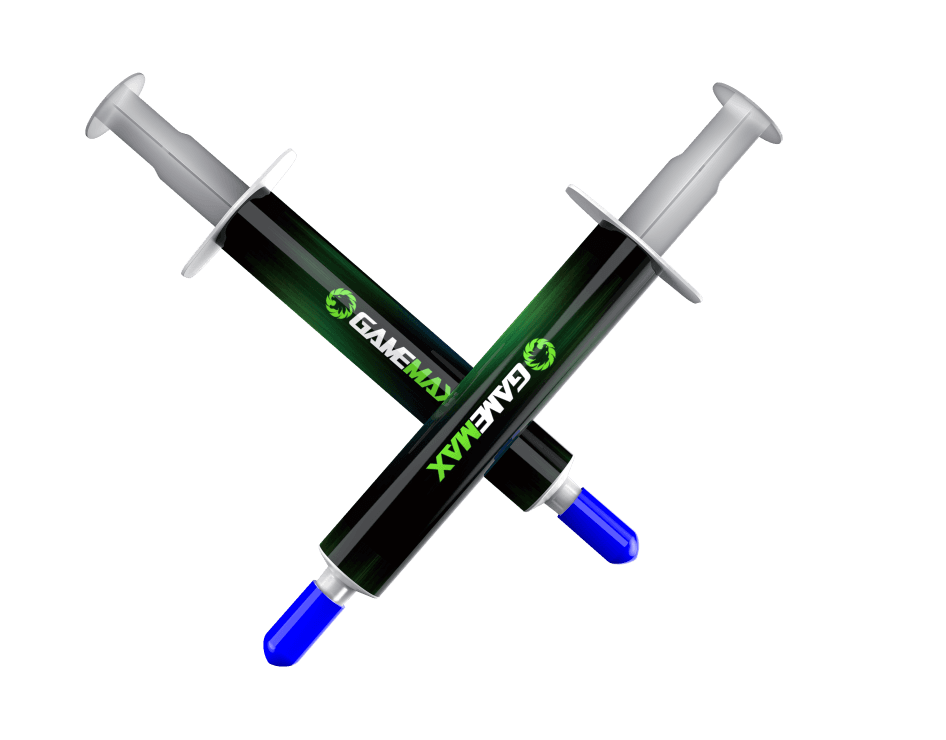
Thermal paste is not a highly efficient heat-conducting material (with a thermal conductivity of approximately 5–15 W/mK, far lower than copper's 401 W/mK). Its primary function is to fill the microscopic gaps (about 5–50 μm) between the CPU's integrated heat spreader (IHS) and the cooler base, eliminating the insulating layer formed by air (thermal conductivity 0.026 W/mK). Ideally, the thickness of the thermal paste layer should be controlled within 0.3–0.5 mm. Excessive thickness increases thermal resistance, while insufficient thickness fails to adequately fill the gaps.
Based on the IHS area (A) of the CPU and the recommended thickness (h), the basic application volume can be estimated as:Volume V = A × h

For mainstream consumer CPUs (such as Intel Core i5/i7, AMD Ryzen 5/7), the IHS area is approximately 32–40 mm², with a recommended application volume of 0.01–0.02 ml (about the size of 1–2 peas).
For flagship CPUs (such as Intel Core i9-14900K, AMD Ryzen 9 8950X), the larger IHS area (around 50–60 mm²) allows the volume to be increased to 0.02–0.03 ml.
Operation: Apply a pea-sized drop (about 3–5 mm in diameter) of thermal paste at the center of the CPU. The pressure from the cooler during installation will spread it evenly.
Advantages: Simple and quick, suitable for beginners and CPUs with flat IHS (such as Intel LGA 1700 series).
Risk: Excessive application may cause seepage at the edges. It is recommended not to exceed a diameter of 5 mm.
Operation: Apply four lines of thermal paste in a cross pattern on the CPU surface (slightly more than the pea method), covering the core areas.
Suitability: Ideal for AMD AM5 platform processors (such as the Ryzen 7000 series), which have a more concentrated heat-conducting area at the center of the IHS. The cross pattern ensures that all multi-core areas are adequately covered.
Operation: Use a specialized thermal paste spatula (or the edge of a credit card) to apply an even 0.3 mm thin layer on the CPU surface.
Advantages: Minimizes thermal resistance (15% lower than the pea method), suitable for extreme overclockers.
Precautions: Avoid leaving 刮痕 (scratches), and ensure the use of non-conductive thermal paste (as metal particle-containing pastes may cause short circuits).
Suitability: Applicable to HEDT (High-End Desktop) platform processors (such as Intel Xeon W-3400, AMD Threadripper PRO) with an IHS area exceeding 100 mm².
Operation: Place one dot at the center and four dots at the corners, with a total volume of about 0.05 ml. The pressure from dual-tower coolers will distribute the paste evenly.
Using AIDA64 to conduct a full-load test on an Intel Core i7-14700K (ambient temperature 25°C, with a 360 mm liquid cooler):
| Thermal Paste Quantity | Thickness (mm) | CPU Temperature (°C) | Thermal Resistance (°C/W) | Seepage Risk |
|---|---|---|---|---|
| Insufficient (0.1 ml) | 0.2 | 89 | 0.35 | None |
| Recommended (0.015 ml) | 0.4 | 78 | 0.22 | Low |
| Excessive (0.04 ml) | 0.8 | 85 | 0.28 | High |
Key Conclusions:
The temperature with the recommended application volume is 11°C lower than with insufficient volume and 7°C lower than with excessive volume.
When the thickness exceeds 0.5 mm, thermal resistance increases exponentially with additional thickness.
Seeped thermal paste may penetrate the CPU socket (especially in LGA pin-based sockets), resulting in poor contact.
CPU Models: Mid-range processors like Intel Core i5-14600K, AMD Ryzen 5 8600X.
Application Quantity: A standard pea size (4 mm in diameter, approximately 0.012 ml).
Technique: Choose thermal pastes with ceramic particles (such as Noctua NT-H1), which offer higher tolerance for slight unevenness in thickness.
CPU Models: Intel Core i9-14900K under overclocking, AMD Ryzen 9 8950X with Precision Boost Overdrive (PBO).
Solution: Thin spreading with the spatula method, leaving a 1 mm edge around the CPU uncovered to prevent seepage onto capacitors.
Tools: Use a thickness gauge to ensure an even 0.3 mm layer.
Unique Challenges: Smaller IHS (around 25 mm²) and fixed cooler pressure.
Application Quantity: A grain-of-rice size (2–3 mm in diameter, about 0.008 ml). Avoid liquid thermal pastes (such as those with silicone oil) to prevent motherboard infiltration.
Recommended Products: High-viscosity thermal pastes (such as Thermal Grizzly Hydronaut) to reduce the risk of short circuits caused by flow.
Strategy: Slightly increase the application volume by 20% to form a 0.5 mm elastic buffer layer.
Rationale: Prevents cracking of the thermal paste layer due to long-term vibrations. Select products with a lifespan of over 5 years (such as Shin-Etsu X-7921).
Truth: Thermal paste only needs to cover the contact area of the IHS. Excessive application is unnecessary and increases the risk of seepage.
Fact: Each installation and removal disrupts the structure of the thermal paste. It is recommended to clean thoroughly and reapply each time (residual thermal paste can increase thermal resistance by 30%).
Risk: Low-viscosity thermal paste flows easily. Insufficient application can cause the central area to become too thin while accumulating at the edges, creating air bubbles.
Practical Test: Only high-end coolers with a flatness error of <5 μm (such as EK water blocks) can ensure even spreading. Manual pre-application is necessary for ordinary coolers.
Scientific Explanation: Thermal conductivity affects the inherent thermal resistance of the paste, while application quantity influences layer thickness. Both factors need to be optimized together (for example, X-7921 paste performs best at 0.3 mm thickness, while Thermal Grizzly XTM50 is optimal at 0.4 mm).
Cleaning Old Thermal Paste:
Use a lint-free cloth dipped in 99% isopropyl alcohol to wipe the CPU IHS horizontally (avoid circular motions to prevent residue).
Clean the cooler base in the same manner, ensuring the surface is free of grease and dust.
Precise Quantity Control:
Use the applicator needle included with the thermal paste (such as Arctic MX-4) or a 0.1 ml syringe to avoid over-application from direct pouring.
Beginners can practice extruding the standard pea size on paper first.
Spreading and Installation:
Pea Method: Apply a dot at the center, then attach the cooler. Tighten the screws diagonally in three stages (torque 8–10 N·m).
Spatula Method: Spread in a single direction from top-left to bottom-right, ensuring no air bubbles. Let it sit for 5 minutes before powering on.
Nanoparticle Formulations: For example, Thermal Grizzly Conductonaut Liquid metal thermal paste has a thermal conductivity of 85 W/mK but requires strict control of the application volume within 0.01 ml (excessive use may cause short circuits).
Phase-Change Materials: Such as Corsair XTM70, which is solid at room temperature. It eliminates the need for precise application during installation and automatically fills gaps when heated, ideal for casual users.
Self-Calibrating Tools: Some high-end coolers (such as Noctua NH-D15S) come with built-in thermal paste dispensers that ensure the correct application volume.
The quantity of thermal paste applied to the CPU is essentially about "striking a balance between filling gaps and controlling thickness," rather than simply applying "more is better" or "less is more." By understanding the CPU IHS design (flat or convex), cooler contact area, and the physical properties of thermal paste, users can select appropriate spreading methods: the pea method for beginners, the spatula method for overclockers, and the grain-of-rice method for laptop maintenance.
Remember the key data: the recommended application volume for mainstream CPUs is about 0.01–0.02 ml (1–2 peas in size), with a thickness of 0.3–0.5 mm. Always replace the thermal paste after each installation or removal. Mastering these principles not only avoids hardware risks caused by thermal paste seepage but also allows the CPU to operate stably at lower temperatures, fully unlocking its performance potential.
Whether for daily office work or extreme overclocking, precise thermal paste application is a crucial aspect of building an efficient cooling system. Choose high-quality products from reliable brands (such as Shin-Etsu, Noctua, Thermalright) and combine them with scientific spreading techniques to make each PC build a pursuit of perfection.

