
The power supply (PSU) is the "energy hub" of PC hardware. Improper selection can lead to:

Limited hardware performance: Inadequate power causes CPU and GPU throttling, leading to gaming lag or software crashes.
Reduced hardware lifespan: Unstable voltage may damage components like motherboards and hard drives.
Safety hazards: Inferior or underpowered PSUs can overheat or even pose a fire risk.
Visit the link: https://gamemaxpc.com/power-supply-calculator/. The interface is as follows:

Enter component quantities step-by-step:
CPU: Usually 1 unit (enter 2 for dual-server CPUs).
RAM: Select the type (e.g., DDR4) and input the number of slots (e.g., 4 sticks).
PCI-e devices: Focus on the graphics card (PCI-e x16). For independent sound/network cards, input x1/x4 interface quantities.
Storage devices: Fill in HDD, SATA SSD, and M.2 SSD counts.
Fans/ODD: Fan quantity affects power consumption (5-10W per fan); input ODD as needed.
The calculator estimates total power consumption based on components. For example:
Office PC (i5 CPU + integrated graphics + 16GB RAM): 300-400W recommended.
Gaming PC (Ryzen 7 + RTX 4070): 650-750W recommended.
| Component | Power Range | Influencing Factors |
|---|---|---|
| CPU | 65W-200W+ | Model (e.g., i9-13900K consumes more than i5) |
| Graphics Card | 100W-400W+ | Chipset (RTX 4090 can reach 450W) |
| Motherboard/RAM | 20W-50W | Motherboard power design, RAM frequency |
| Storage | 5W-20W per device | HDD consumes more than SSD |
Power Redundancy Principle
Add 20%-30% to the calculator’s recommended wattage. For a 500W calculation, choose a 650W PSU.
Reason: Peak loads (e.g., during game loading) may exceed rated power, and redundancy prevents overload.
80 Plus Certification and Efficiency
Certification levels (White/ Bronze/ Silver/ Gold/ Titanium) indicate conversion efficiency. For example, "80 Plus Gold" achieves ≥90% efficiency at 50% load, saving energy and reducing heat.
Interface Compatibility
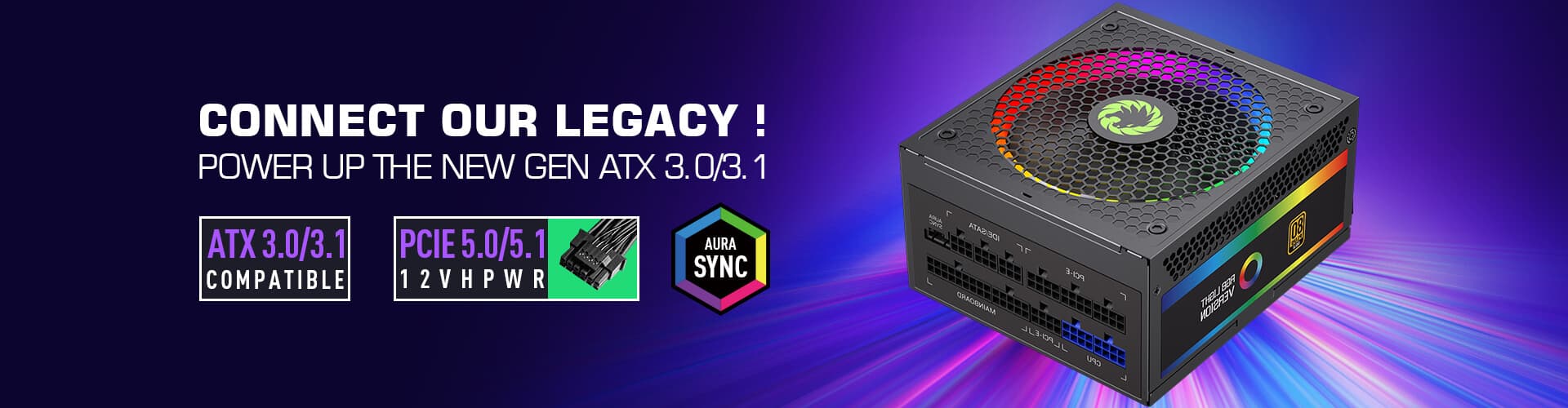
Graphics cards: High-end models need PCI-e 5.0 interfaces (e.g., 12VHPWR); older PSUs may require adapters.
CPU: At least one 4+4pin interface; high-end motherboards need dual 8pin.
Brand and Quality
Prioritize first-tier brands like Corsair, Seasonic, and Super Flower. Inferior PSUs (e.g., with inflated wattage claims) can damage hardware.
Q: Does a higher-wattage PSU consume more power?
A: No. Actual power consumption depends on hardware load. A 500W PSU may only use 100W under light load, unrelated to its wattage rating.
Q: Can I upgrade my GPU with an old PSU?
A: Recalculate power consumption. Upgrading to an RTX 4070 (200W+) may exceed the capacity of an old 400W PSU, requiring a 同步 upgrade.
Estimate with the calculator: Input components to get the base power.
Add redundancy and check certification: +20% power, choose 80 Plus certified models.
Verify interfaces and brands: Ensure compatibility and prefer top brands.

