
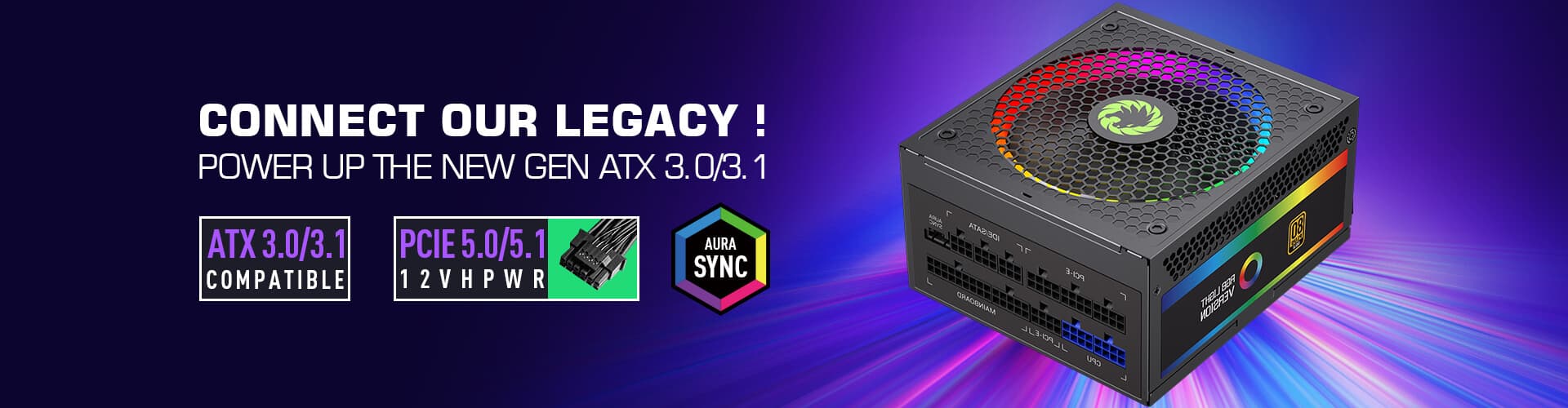
Choosing the right power supply (PSU) for your PC is a critical step in building or upgrading a system. A mismatched PSU can lead to instability, performance issues, or even hardware damage. This is where a PC power supply calculator becomes an invaluable tool. In this guide, we’ll break down why your PSU matters, how to determine your needs, and how to use a power supply calculator effectively.

Your PC’s power supply is the backbone of the system, converting AC electricity from the wall into DC power that all components—from the CPU and GPU to the motherboard and storage—rely on. A PSU that’s too weak will struggle to meet peak power demands, causing crashes, blue screens, or failed boots. Conversely, an overly powerful PSU isn’t just a waste of money; it can be less efficient at lower loads, increasing energy costs over time.
Key risks of a poor PSU choice:
System instability during high-demand tasks (gaming, video editing, 3D rendering)
Reduced lifespan of components due to voltage fluctuations
Inability to overclock (if you plan to push your CPU or GPU beyond stock settings)
Potential fire hazards with low-quality, underpowered units
Calculating your PC’s power requirements manually is complex, as each component has varying power draws—from idle to peak loads. A PC power supply calculator simplifies this by estimating total wattage based on your specific hardware. These tools consider:
CPU model and whether it’s overclocked
GPU model(s) (including multi-GPU setups)
Number of RAM modules
Storage devices (SSDs, HDDs)
Cooling systems (AIO liquid coolers, fans)
Peripherals (USB devices, RGB lighting)
Not all calculators are created equal. Here are trusted options:
Corsair Power Supply Calculator: Known for accuracy, it factors in overclocking and multi-GPU configurations.
EVGA Power Supply Calculator: User-friendly, with options for custom builds and pre-built systems.
Be Quiet! Power Calculator: Great for estimating needs for high-efficiency PSUs.
Gather your component details: Note your CPU, GPU, RAM count, storage devices, and any add-ons (e.g., PCIe cards, RGB controllers).
Select a calculator: Choose one from the list above or a reputable brand’s tool.
Input your hardware: Enter each component’s model (the more specific, the better). For overclocked parts, check the “overclocked” box.
Review the results: The calculator will provide a recommended wattage. This is the minimum PSU wattage you should aim for.
Add a buffer: To account for future upgrades or peak loads, add 10–20% to the recommended wattage. For example, if the calculator suggests 500W, opt for a 550–600W PSU.
While wattage is crucial, don’t overlook these factors:
Efficiency Rating: Look for 80 PLUS certification (Bronze, Silver, Gold, Platinum). Higher ratings mean less energy waste and lower heat output.
Modularity: Fully modular or semi-modular PSUs let you remove unused cables, reducing clutter and improving airflow.
Connectors: Ensure the PSU has enough PCIe power cables for your GPU and SATA/Molex connectors for storage and peripherals.
Brand Reliability: Stick to trusted brands like Corsair, EVGA, Seasonic, or be quiet! to avoid faulty units.
Your PC’s performance and longevity depend heavily on a quality power supply. A PC power supply calculator takes the guesswork out of wattage selection, ensuring you get a PSU that meets your system’s needs. Remember to factor in efficiency, modularity, and brand reputation—your components will thank you.
Whether you’re building a gaming rig, a content creation workstation, or a budget PC, investing time in calculating your power needs is a small step that yields big rewards.

