

Building your first high-end PC can feel overwhelming, especially when you open a case and see a maze of cables, mounting points, and mysterious connectors. The full tower form factor is actually the most beginner-friendly choice for ambitious builds, providing the space, clarity, and forgiveness that first-time builders need. Unlike cramped mid-tower cases where every millimeter counts, full tower chassis give you room to think, route cables logically, and fix mistakes without complete disassembly.
The first advantage beginners notice is component accessibility. Full tower cases position the motherboard tray lower in the chassis, bringing CPU socket, RAM slots, and front-panel connectors to a comfortable working height. The extra interior width (typically 220mm-240mm compared to 180mm-200mm in mid towers) means your hands fit easily around components without scratching the side panel or knocking over standing fans. This ergonomic advantage reduces build time by 30-40 percent for first-time builders.
GPU installation becomes dramatically simpler in a full tower. Graphics cards up to 420mm fit without complicated angling or temporary removal of front fans. The PCIe slot area has generous clearance below the card, allowing you to connect power cables and the display outputs without the finger gymnastics required in compact cases. Many full tower cases include tool-free GPU retention brackets or anti-sag posts that click into place, eliminating the worry of whether your expensive graphics card is properly supported.
Power supply installation is another area where full towers shine for beginners. Bottom-mounted PSU bays with removable trays let you connect all cables outside the case, then simply slide the unit into position. This approach prevents the frustration of trying to route stiff ATX 24-pin cables behind a mounted PSU in a tight space. The extra depth behind the motherboard tray (25mm-40mm in full towers) accommodates even the thickest cable bundles without panel fitment issues.
Cable management, often the most intimidating part of a new build, becomes manageable in a full tower. With dedicated channels, multiple grommeted pass-throughs, and tie-down points every 100mm, you can achieve a clean build on your first attempt. The space behind the tray lets you bundle cables loosely during the first pass, then refine the routing once everything is tested and working. In a mid tower, you often have one chance to get the routing right before the side panel refuses to close.
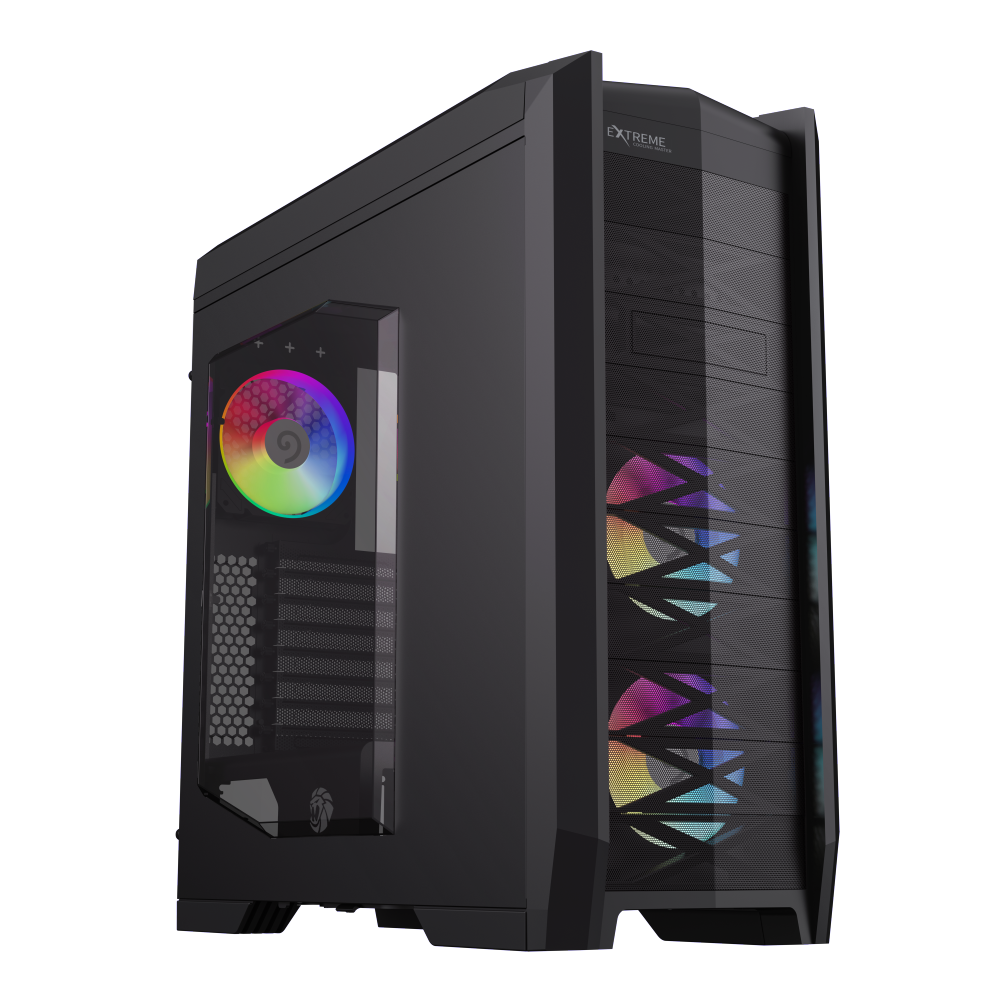
Full tower chassis supporting EATX/ATX/M-ATX/ITX, 8 PCIe slots, 8x3.5 HDD bays, 5 ARGB fans included, HDD hot-swap and 3-in-1 card reader.
The Dragon Knight 2 brings exceptional beginner-friendliness to the full tower category with its thoughtful layout and comprehensive cable management system. This chassis supports E-ATX motherboards and graphics cards up to 420mm in length, giving beginners the flexibility to start with a modest build and upgrade to flagship components later. The 25mm of cable management depth behind the motherboard tray accommodates even thick 12VHPWR cables without panel fitment issues. Tool-free side panel removal via thumb screws lets you open the case quickly for upgrades or troubleshooting, while the pre-installed cable tie-downs eliminate the guesswork of where to secure each bundle.
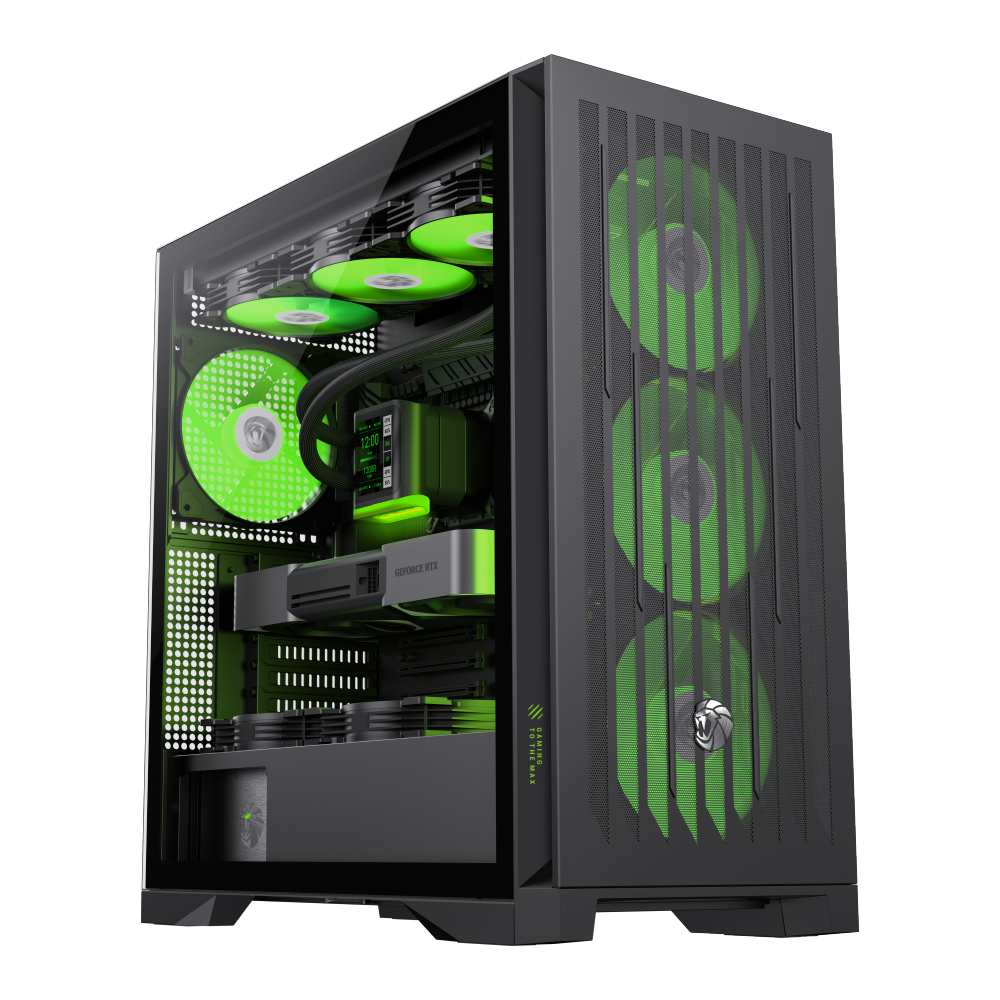
Full tower gaming case with E-ATX support, 9x120mm or 8x140mm fan mounts, 4 pre-installed 140mm ARGB PWM fans, lion-inspired claw-mark mesh panels.
The Leader 2 complements beginner needs with its massive interior and premium construction. Supporting E-ATX/ATX/M-ATX/ITX motherboards, this full tower grows with your skills and ambitions. Graphics card clearance up to 420mm handles even the largest RTX 4090 models, while CPU cooler support up to 170mm accommodates everything from stock coolers to massive air coolers. The 1.2mm steel chassis provides rock-solid stability for heavy components, and the integrated ARGB controller simplifies lighting management by consolidating up to eight fan connections. For beginners planning a build that lasts five years or more, the Leader 2 delivers the expandability and ease of assembly that builds confidence.
When building in a full tower for the first time, start by installing the power supply and routing its cables loosely to their destinations. This dry run helps you identify the optimal path for each cable before making permanent connections. Use the provided Velcro straps rather than plastic ties for your first build---they let you adjust routing as you learn what works. Take photos before closing the side panels; these become invaluable references when you upgrade components six months later and cannot remember which cable goes where.
Finally, do not let the size of a full tower intimidate you. Yes, it occupies more desk space than a compact case, but that extra volume is what makes your building experience enjoyable rather than frustrating. The skills you develop in a spacious chassis transfer directly to smaller builds later, and the full tower remains useful as your primary system or a test bench for years to come.

