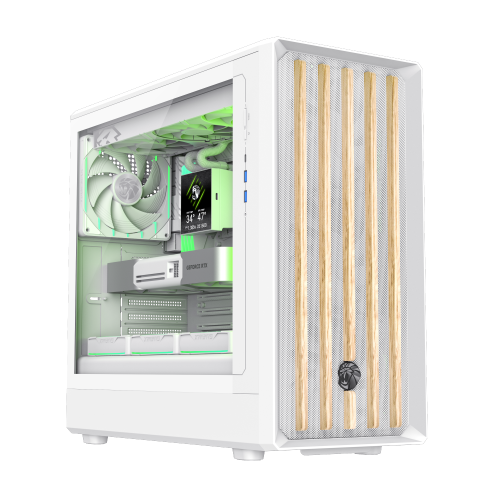
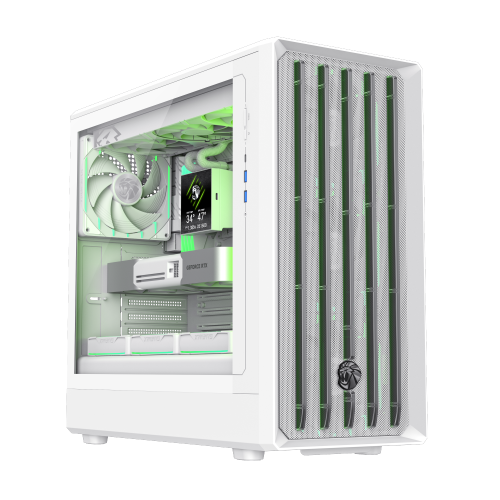
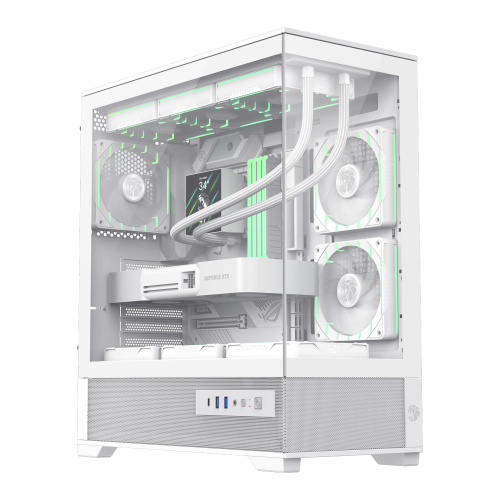
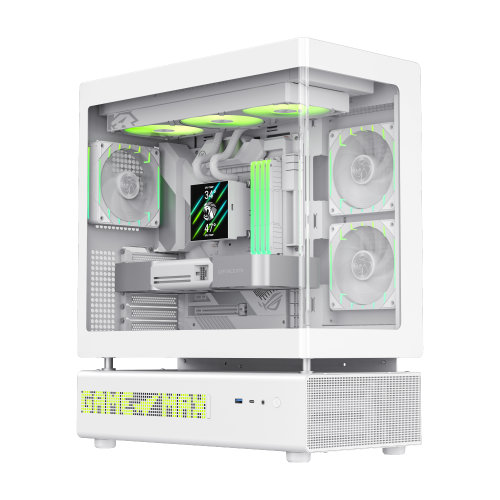
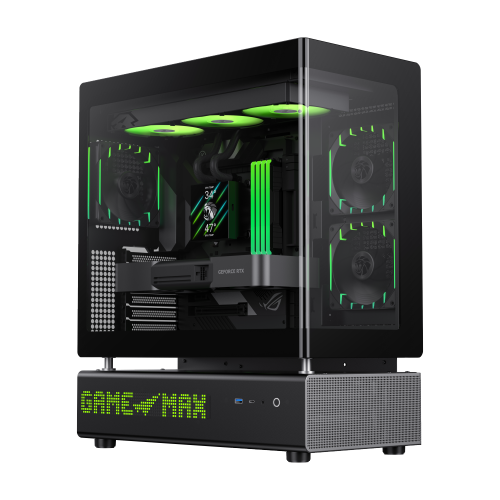
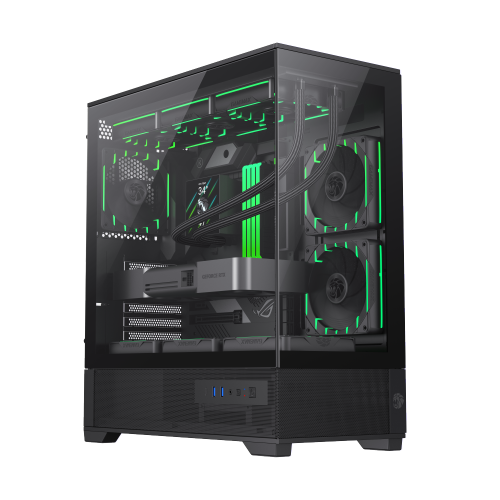
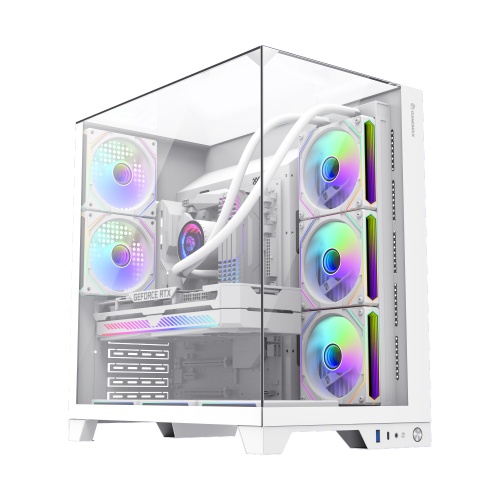
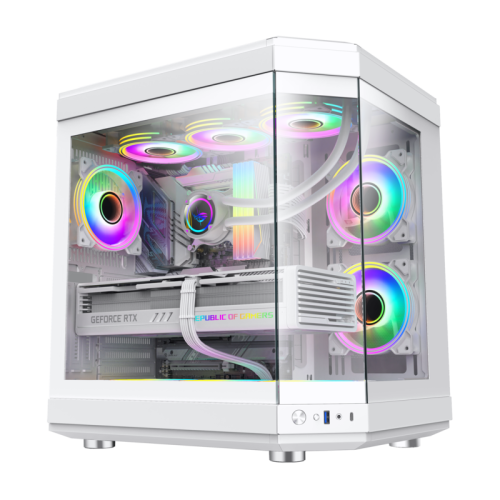
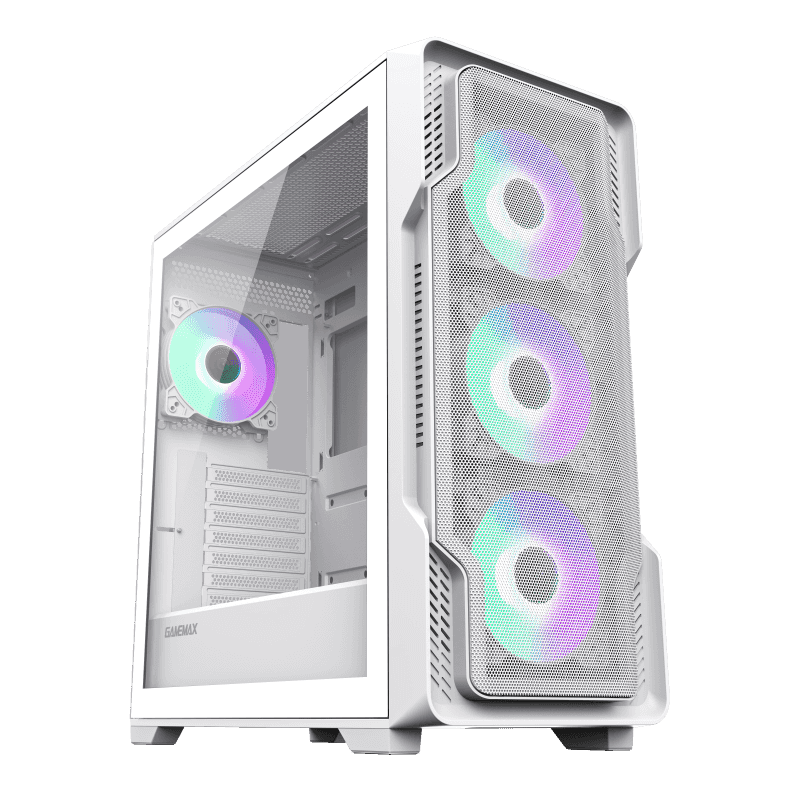
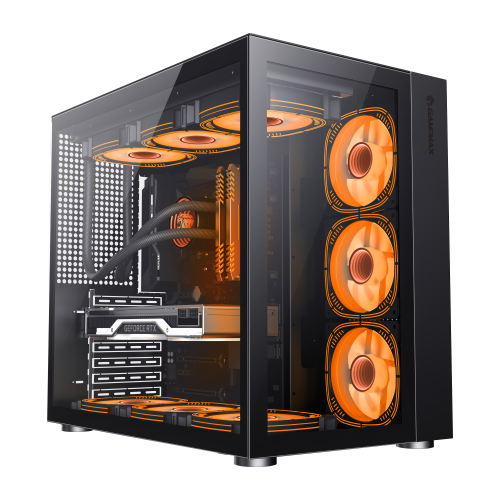
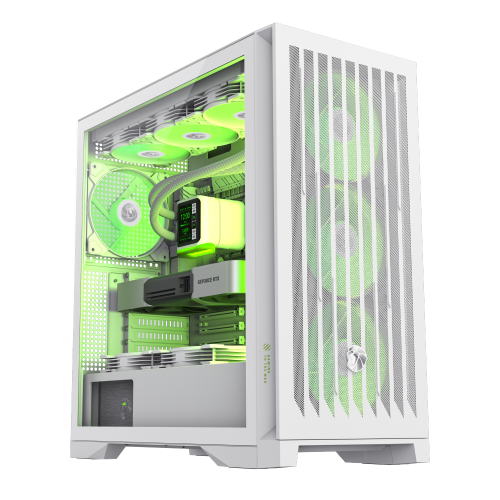
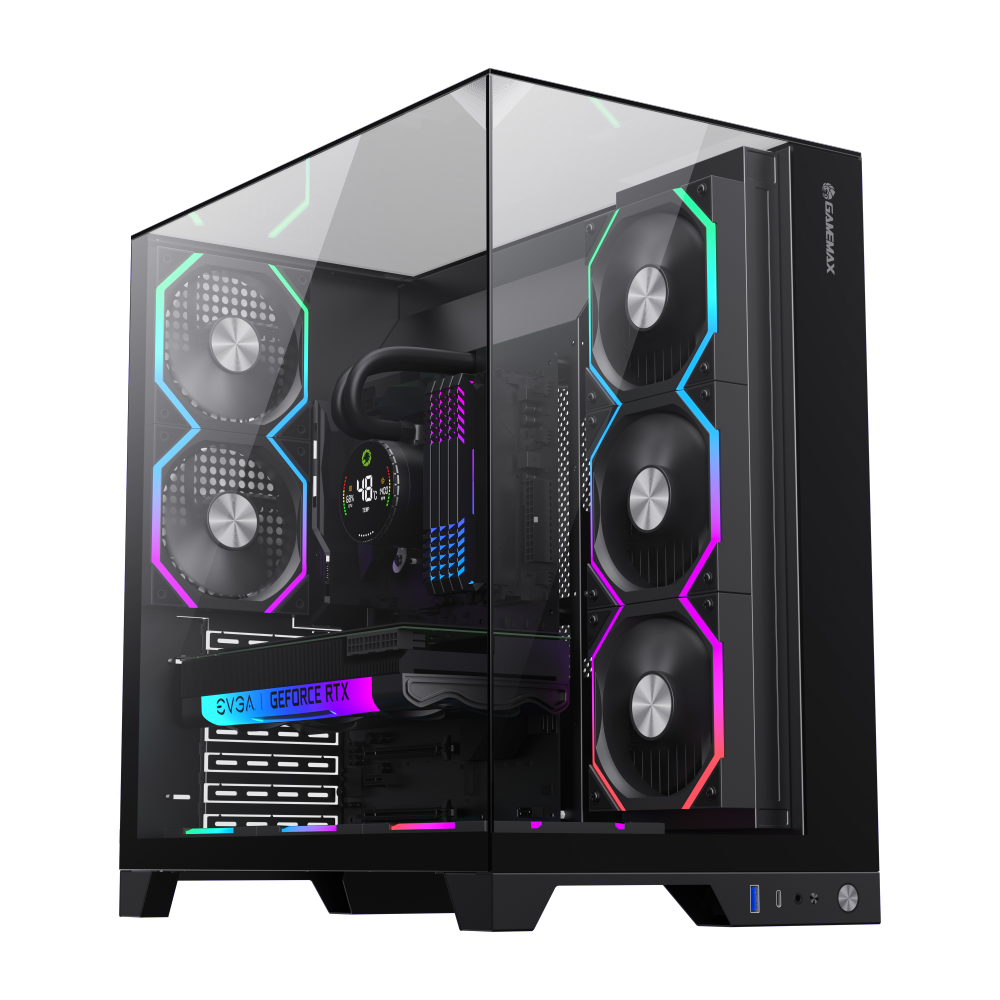
Reveal the beauty of hardware through tempered glass, and drive extreme gaming experiences with patented cooling technology.
Top models in various price categories
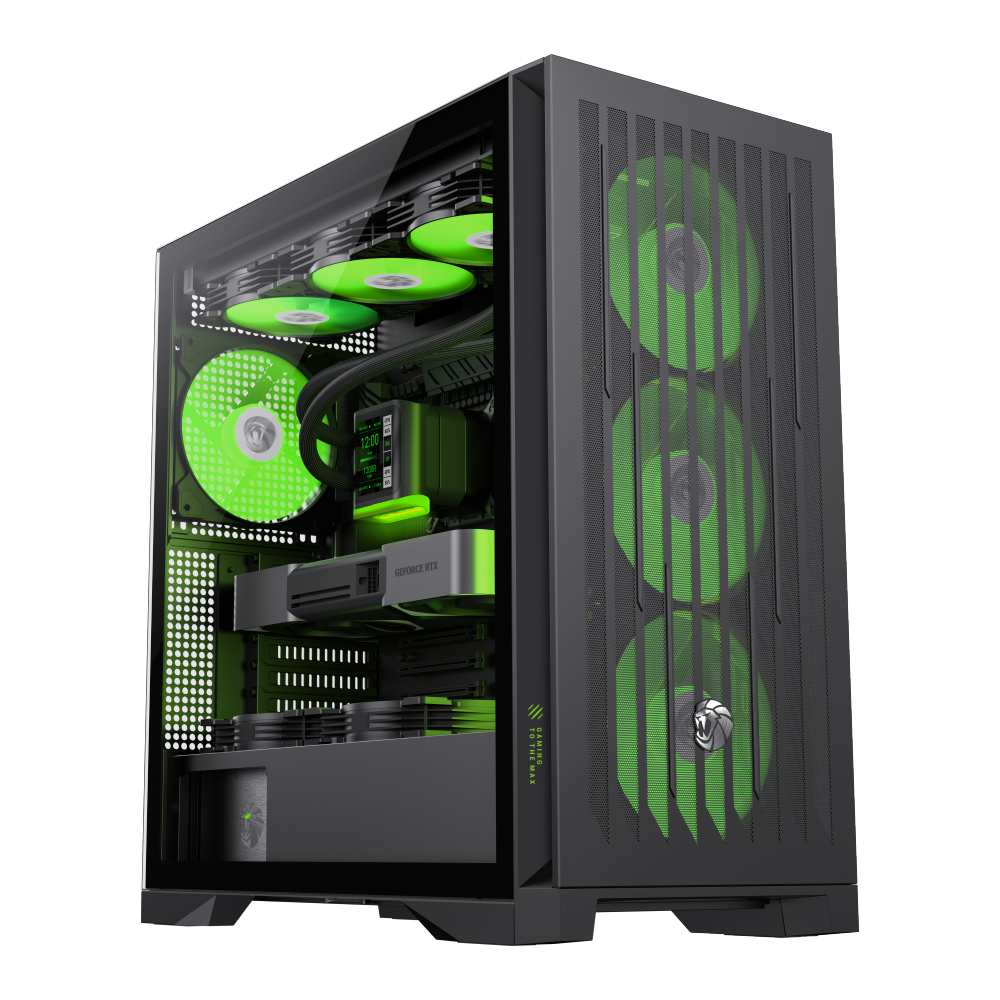
An ATX Mid Tower PC Case is a computer enclosure designed to house ATX motherboards – the most widely used form factor for desktop PCs. These cases provide ample space for high-performance components and allow for flexible configurations.
The ATX form factor (Advanced Technology eXtended) was developed by Intel and has established itself as a standard, offering an optimal balance between size, compatibility, and functionality.
ATX compared to other common form factors
| Feature | ATX (Mid Tower) | Micro-ATX | Mini-ITX |
|---|---|---|---|
| Height | ~15.7-19.7 in | ~13.8-17.7 in | ~7.9-11.8 in |
| Width | ~7.9-9.8 in | ~7.1-8.7 in | ~5.9-7.9 in |
| Depth | ~17.7-21.7 in | ~15.7-19.7 in | ~9.8-13.8 in |
| Max Graphics Card Length | 11.8-15.7 in | 9.8-13.8 in | 7.9-11.8 in |
| Max CPU Cooler Height | 6.3-7.1 in | 5.9-6.7 in | 5.5-6.3 in |
| Expansion Slots | 7-9 | 4-5 | 1-2 |
| Ideal For | High-performance PCs, Workstations | Mid-range PCs, All-rounders | Mini PCs, HTPCs, Compact systems |
What to consider when choosing
Good ventilation is crucial. Look for cases with sufficient ventilation slots, pre-installed fans, and space for water cooling.
Check the number and type of front ports: USB 3.0/3.1, USB-C, audio jacks, and possibly an SD card reader.
Pay attention to the number of 3.5" and 2.5" bays for hard drives and SSDs, as well as flexible mounting options.
Tool-less designs make component installation easier. Quick-release fasteners and clear instructions are great advantages.
Good cable channels and grommets with rubber gaskets help keep the interior tidy and improve airflow.
Tempered glass side panels, RGB LEDs, and an appealing design are important factors for many users when choosing a case.
Steps to select the perfect case for your needs
Be clear about which components you will use, especially the size of the graphics card and CPU cooler.
Ensure the case is compatible with your motherboard, power supply, and other components.
ATX Mid Tower PC Cases are available in various price categories, from budget-friendly to high-end models.
Depending on your hardware (especially overclocking), you may need additional fans or water cooling support.
Choose a case that provides space for future upgrades such as additional hard drives or a more powerful graphics card.
Check out other users' experiences regarding ventilation, noise levels, build quality, and usability.

Answers to common questions about ATX Mid Tower PC Cases