

The Task Manager is a crucial tool in Windows for managing running processes, and there are several shortcut keys to open or interact with it quickly. Here are the most common ones:
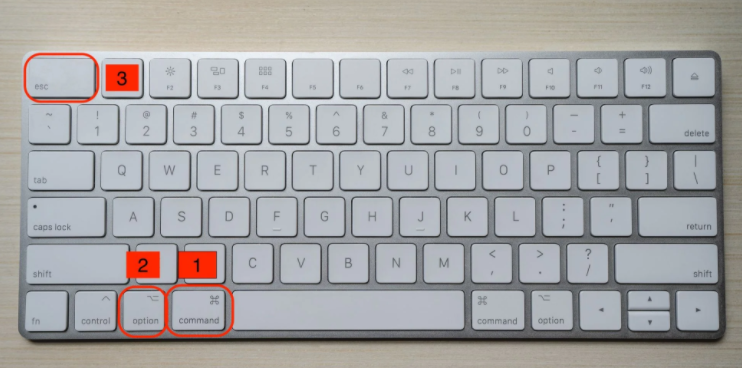
Ctrl + Shift + Esc
This is the direct and fastest shortcut to launch Task Manager immediately, bypassing any intermediate screens.
Ctrl + Alt + Delete → Select "Task Manager"
Pressing Ctrl + Alt + Delete brings up a security screen with options like Lock, Switch User, Sign out, etc. From here, click or select "Task Manager" to open it.
Win + X → Select "Task Manager"
Click "Task Manager" with your mouse, or
Use the arrow keys to navigate to "Task Manager" and press Enter.
Pressing the Windows key + X opens the Power User Menu (a quick-access menu for system tools). You can then either:
Once Task Manager is open, these shortcuts help you navigate and perform actions:
F5: Refresh the list of running processes.
Del: End the selected process (equivalent to clicking "End task").
Ctrl + Tab: Switch between tabs (e.g., Processes, Performance, Startup).
Esc: Close Task Manager (if it’s in the foreground).
These shortcuts work across most modern Windows versions (Windows 10, Windows 11, etc.).

