
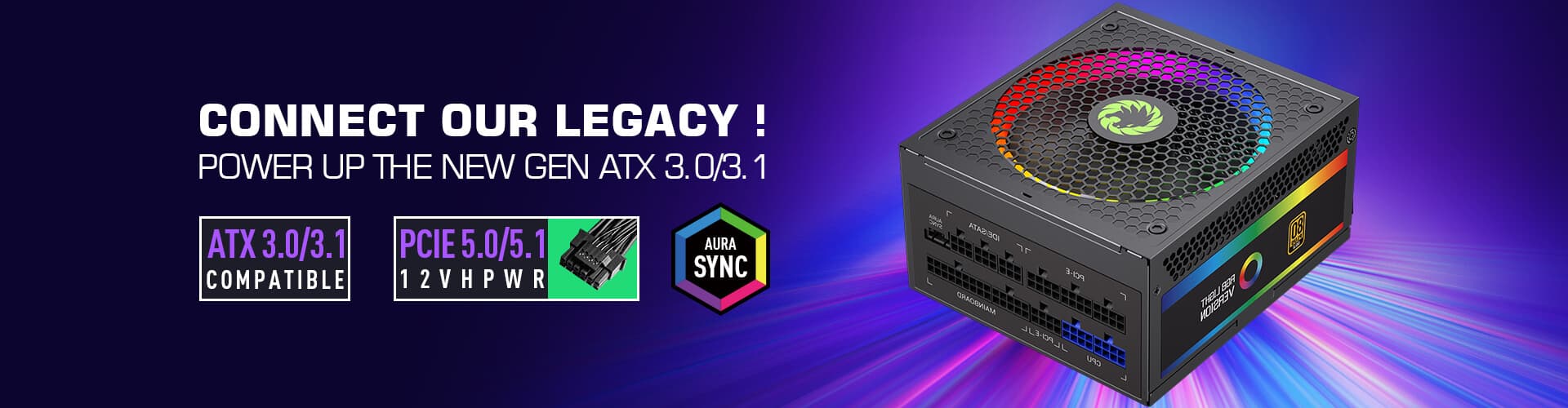
Building a gaming PC that whispers rather than roars is a dream for many enthusiasts. Whether you're gaming late at night, working in a shared office, or just prefer a quieter computing experience, choosing the right silent power supply can transform your system from a noisy distraction into a peaceful workspace. Let me walk you through what makes a PSU truly silent and how to pick the perfect one for your needs.
The impact of power supply noise extends far beyond simple annoyance. Constant fan hum can cause fatigue during long gaming sessions, interfere with voice chat clarity, and create an ambient drone that makes it hard to focus on immersive games. I've built systems where the PSU was the loudest component by a significant margin—everything else was whisper-quiet, but that single power supply dominated the acoustic profile.
Noise characteristics matter too. Coil whine at specific frequencies can be particularly grating, while air turbulence from high-RPM fans creates broadband whooshing that masks subtle game audio cues. A truly silent PSU eliminates these issues through intelligent fan design, quality components, and sometimes fanless operation at lower power loads.
Several factors contribute to PSU noise, and understanding them helps you make informed purchasing decisions:
Fan Design and Quality: The most obvious noise source is the cooling fan. Premium PSUs use fluid dynamic bearing (FDB) fans that operate nearly silently, while budget units often rely on sleeve bearing fans that generate noticeable mechanical noise. Blade design matters too—carefully engineered fan blades move air efficiently without creating turbulence.
Component Quality: High-quality capacitors and transformers with tight tolerances reduce electrical noise. Cheap PSUs might save costs here, but inferior components can introduce coil whine that becomes more pronounced under load.
Thermal Management: Smart fan controllers that adjust fan speed based on temperature reduce unnecessary spinning at idle or light loads. A PSU that ramps its fan aggressively the moment you turn on your PC creates an initial noise spike that's easily avoidable with gradual ramping.
Chassis Design: Sound-dampening materials and thoughtful airflow paths help isolate PSU noise from the rest of your build. A well-designed case with acoustic foam padding can make even a mediocre PSU sound significantly better.
Modern silent PSUs often feature multiple fan profiles that balance cooling and acoustics. The standard approach is a three-tier system:
Normal Mode: Standard cooling with moderate fan speeds. This is your go-to setting for everyday use where performance matters more than absolute silence.
Silent Mode: Reduced fan speeds with optimized airflow paths. Ideal for late-night gaming or when you're streaming and don't want fan noise in your microphone. The trade-off is slightly higher temperatures under sustained load, but for most gaming scenarios, this is perfectly acceptable.
Fanless Mode: Completely disables the fan at low power consumption. Many high-quality PSUs can operate passively up to around 300-400W without active cooling, relying on natural convection and case airflow. This is the ultimate silent solution for low-power builds or systems with excellent case ventilation.
Higher efficiency PSUs (Gold, Platinum) tend to be better engineered overall, which often correlates with quieter operation. There's a reason for this beyond just premium components—manufacturers who invest in high-efficiency designs typically pay more attention to acoustic optimization as part of the overall quality package.
However, efficiency alone doesn't guarantee silence. I've tested 80 Plus Gold units that were noticeably louder than basic Bronze models due to more aggressive fan profiles. The key is looking at specific noise measurements in reviews rather than just the efficiency rating badge.
One mistake I see builders make is oversizing their PSU hoping for quieter operation. A 1000W Platinum unit running at 20% load will actually be louder than a well-engineered 750W Gold unit at 50% load because the larger PSU needs more cooling capacity and typically runs its fan harder to manage heat dissipation.
Match your wattage to your actual needs. Use a power calculator to estimate your total system draw, then add 20-30% headroom. This gives you the efficiency sweet spot (50-70% load) without paying for unnecessary excess capacity that might actually increase noise.
How you mount your PSU affects noise more than most people realize. Position the PSU with the fan intake facing an unobstructed path to fresh air. Use the included velcro or rubber mounting grommets to isolate vibration transfer between the PSU and your case. Orient the PSU so that the exhaust fan points away from your motherboard and CPU coolers—this prevents hot air from recirculating through your components.
Cable management matters too. Tightly bundled cables near the PSU intake can disrupt airflow and create turbulence noise. Take the time to route cables neatly behind the motherboard tray, and use the PSU's modular cables to avoid unnecessary clutter in the main chamber.
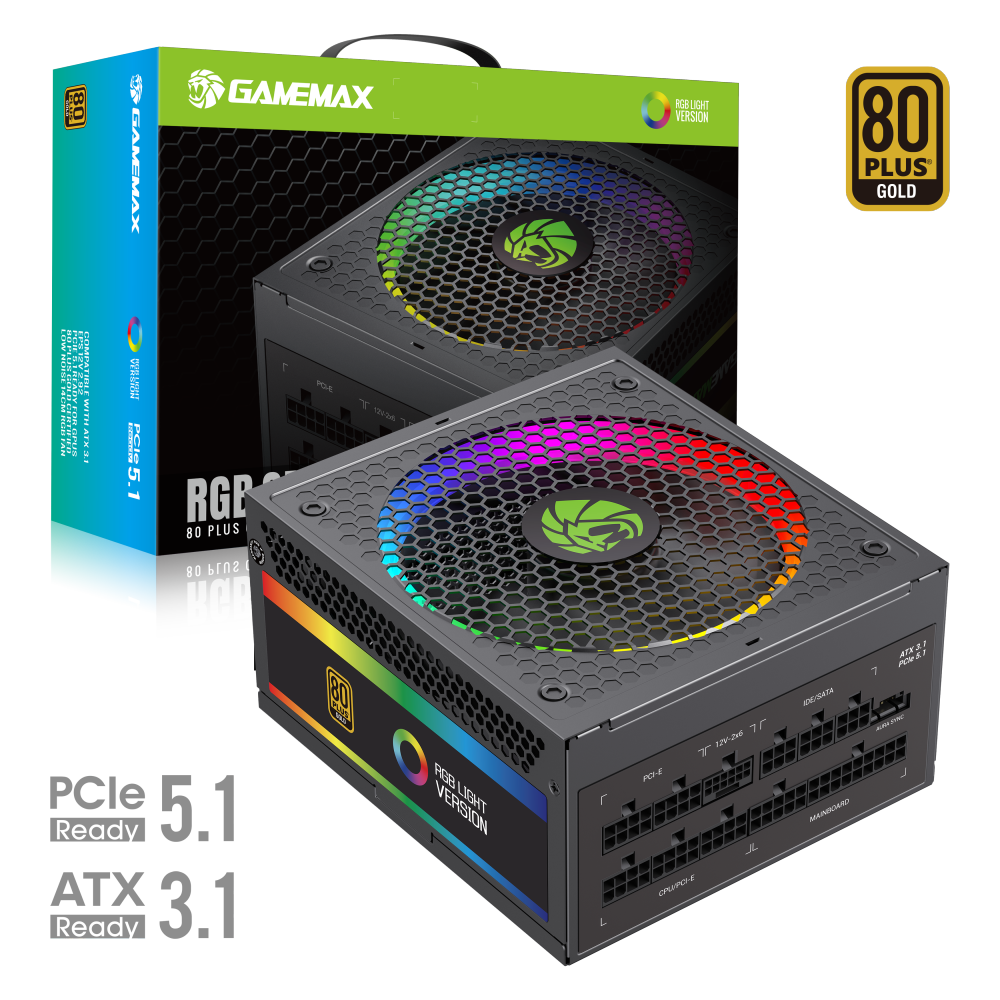
The RGB-Smart 850 PRO represents GameMax's flagship silent PSU, delivering 850W of reliable power with virtually inaudible operation. Its ATX 3.1 and PCIe 5.1 compliance ensures perfect fitment in modern gaming systems, while the semi-modular design provides clean cable management options. The unit features intelligent fan control that maintains optimal temperatures without generating noticeable noise, making it an excellent choice for noise-sensitive gaming setups where silence is as important as performance.

The RGB-850 PRO WH offers the same premium silent performance in a clean white aesthetic. With full ATX 3.0 compatibility and 850W capacity, this unit handles demanding gaming configurations while maintaining whisper-quiet operation. The fully modular cabling system allows you to connect only the cables you need, reducing clutter and improving both airflow and acoustics in your build.
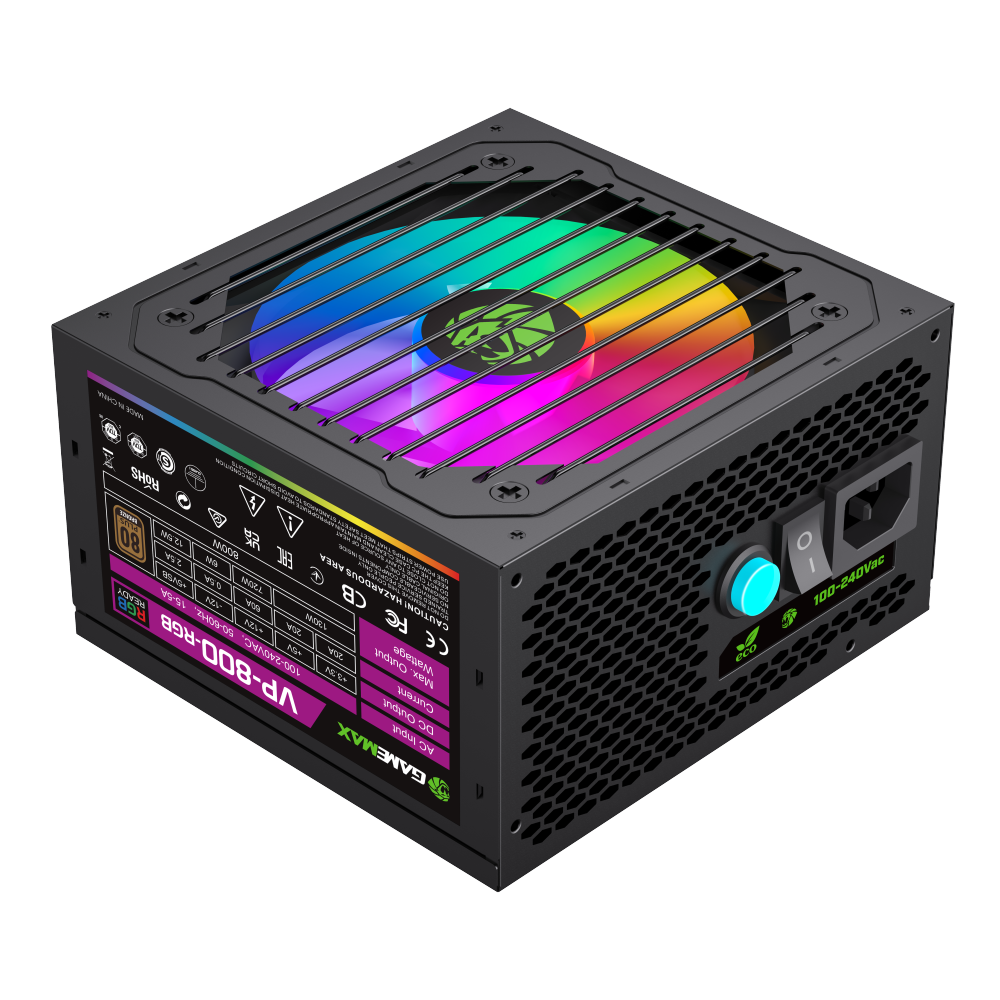
The VP-800-RGB provides a budget-friendly silent option without compromising on essential features. At 800W with RGB lighting, it's perfectly suited for mid-range gaming builds where you want reliable power delivery, quiet operation, and a touch of visual customization. The compact form factor makes it ideal for smaller cases while still delivering solid performance for single-GPU configurations.

